TikTok video stats explained: views, likes, shares and saves
· 4 min read
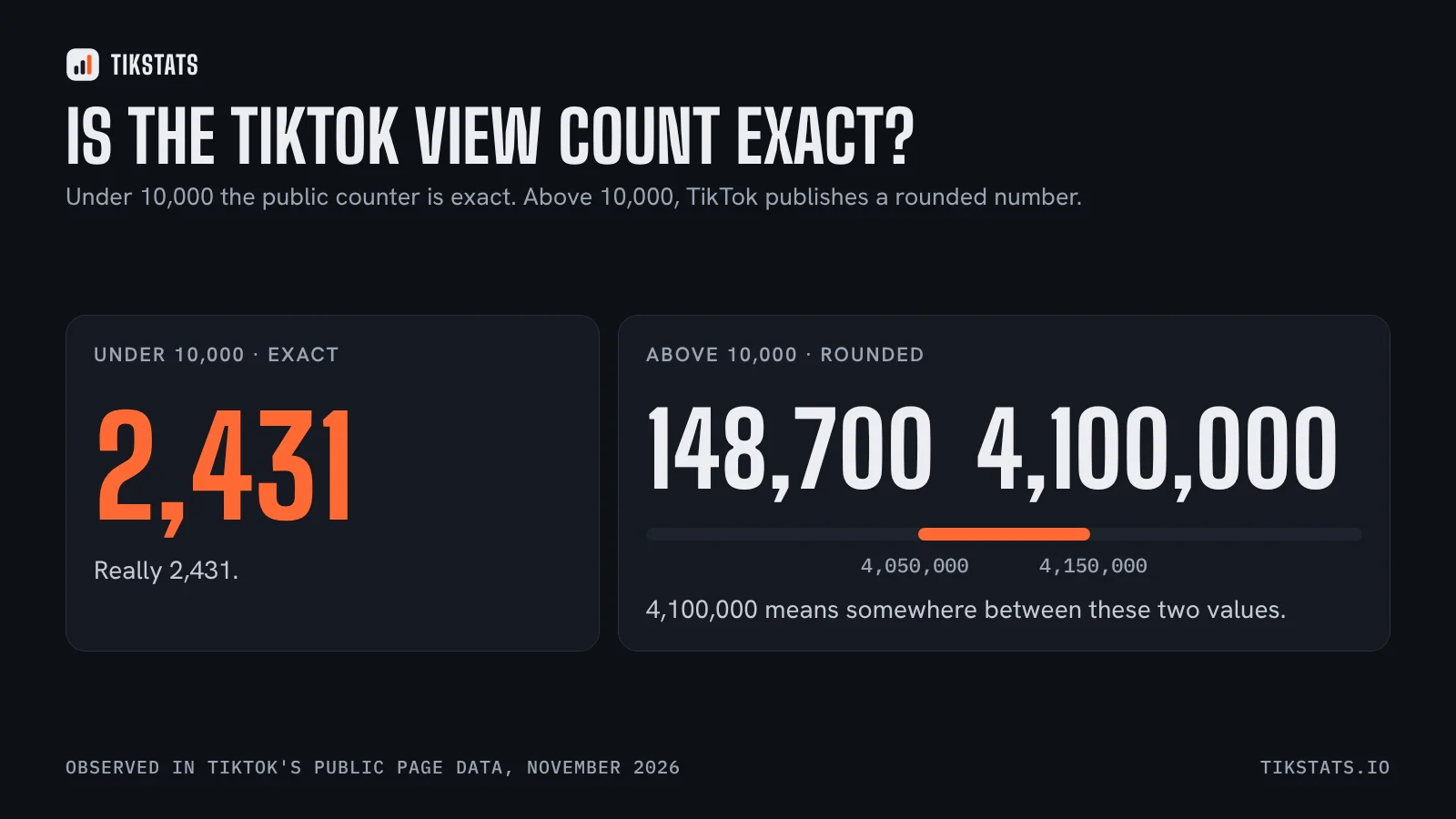
A TikTok video shows five public counters. Read together, they tell you whether a video was simply seen or whether it really made people react.
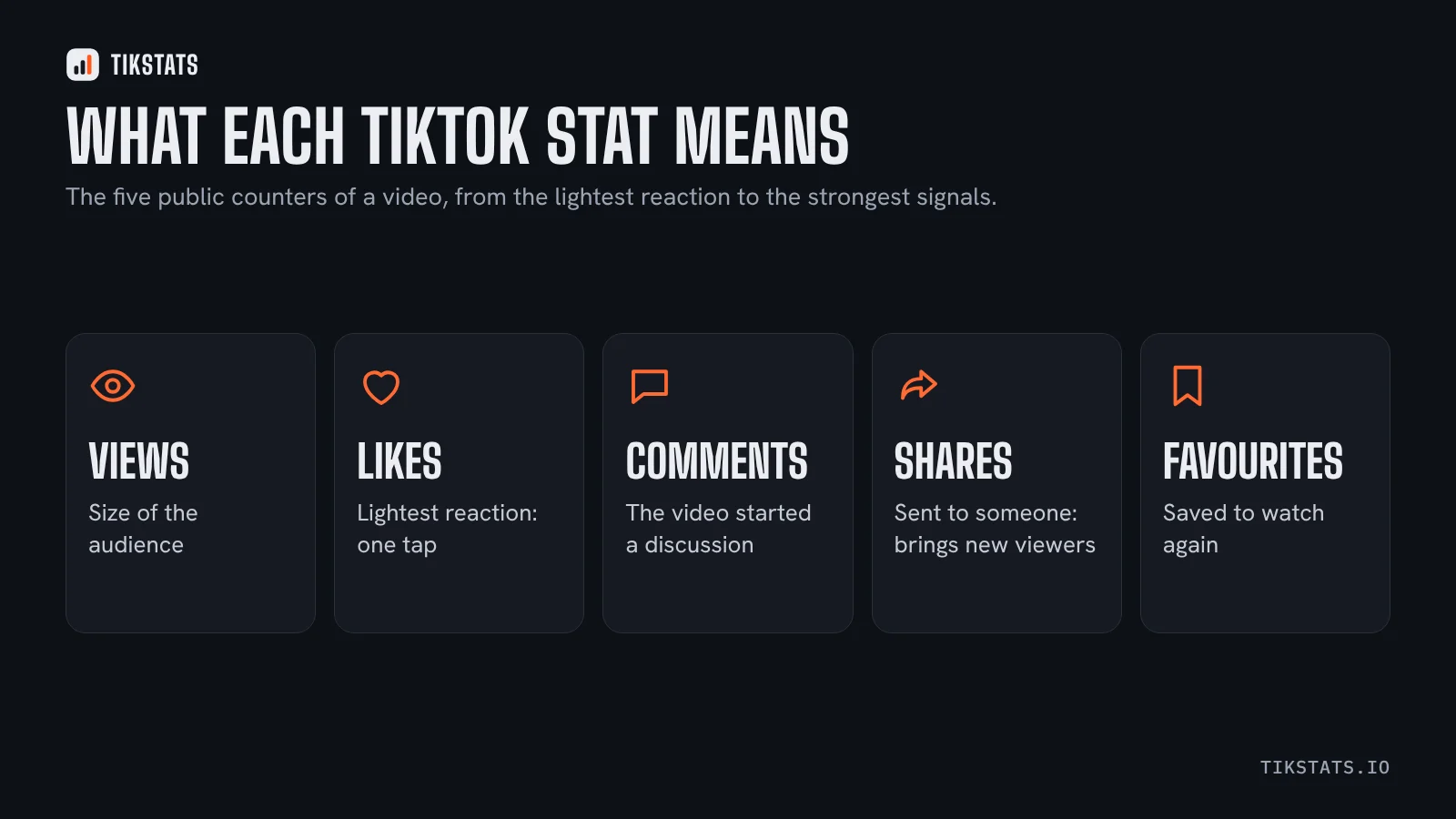
The five public counters
- Views: how many times the video was played. It is the size of the audience, nothing more.
- Likes: the lightest reaction. One tap, almost no effort.
- Comments: someone took the time to write. It usually means the video raised a question or an opinion.
- Shares: the video was sent to someone or posted elsewhere. It is the reaction that brings new viewers.
- Favourites: the viewer saved the video to find it again. Common on recipes, tutorials and lists.
The engagement rate
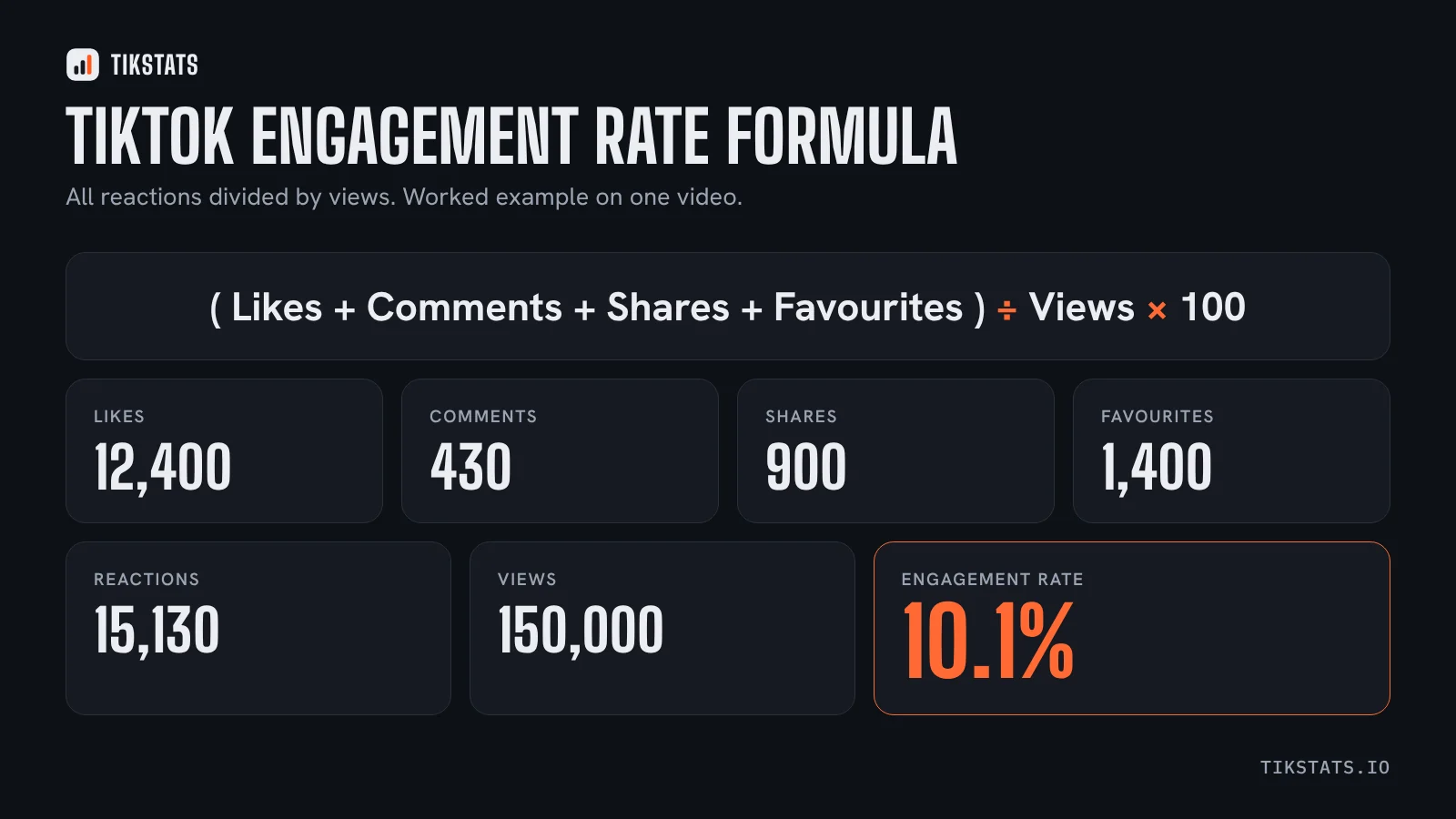
Raw counters are hard to compare: 5,000 likes is excellent on a video seen 20,000 times and weak on a video seen 2 million times. The engagement rate fixes that by dividing all reactions by the number of views.
Looking at each reaction separately is even more useful. Two videos can both be at 8% while one is carried by likes and the other by shares and favourites. The second one was more useful to its audience.
Views per hour
Divide the views by the number of hours since the video was posted and you get its average speed. A video at 3,000 views per hour after two days is still being pushed. A video at 40 views per hour after two days has mostly finished its run.
It is an average since posting, not a live speedometer: a video that exploded on day one and stopped will still show a decent figure for a while.
Date, length and sound
The posting date and time let you compare videos at the same age. A video posted this morning cannot be compared with one posted last month.
Length matters too: a 12-second clip and a 3-minute story are not watched the same way. The sound tells you whether the video rides a trend or uses its own audio.
What public stats do not show
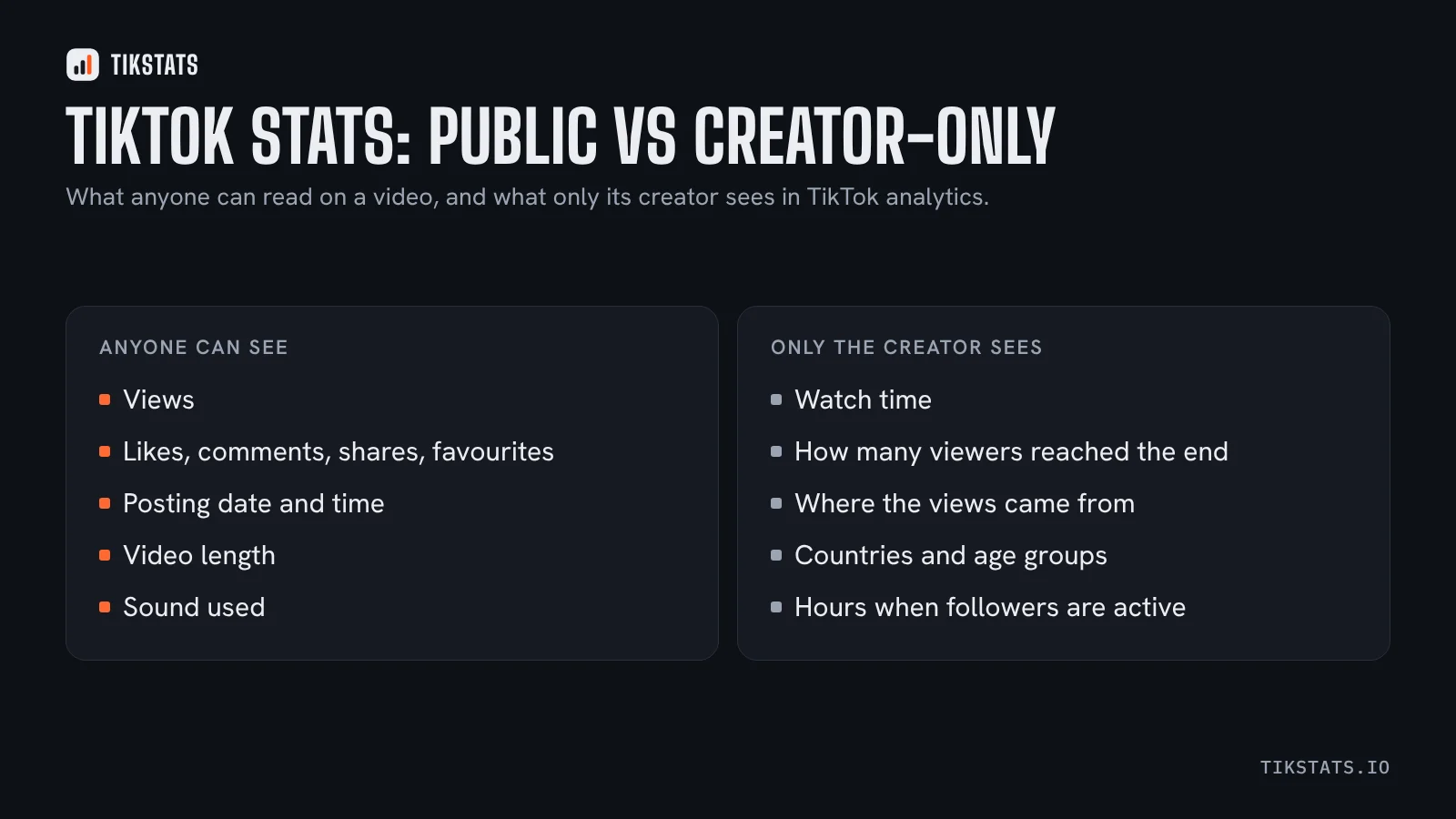
Some of the most useful numbers are only visible to the creator, in TikTok's own analytics:
- how long people watched and how many reached the end,
- where the views came from (For You feed, profile, search, followers),
- who watched: countries, age groups, times of day.
No outside tool can read these for someone else's video. An outside tool can only work with the public counters, and that is already enough to compare videos fairly. That is what the Chrome extension shows, video by video, and what the other tools work from too.
A simple routine
- Paste the link of the video and note its engagement rate and views per hour.
- Do the same for three or four other videos of the same account.
- Look at what the best one has that the others do not: subject, length, first seconds, sound.
Frequently asked questions
What counts as a view on TikTok?
A view is counted each time the video is played. It measures the size of the audience, not how long people watched.
What is the difference between a like and a favourite on TikTok?
A like is a quick reaction. A favourite saves the video to the viewer's own collection so they can find it again.
Can I see the watch time of someone else's TikTok?
No. Watch time, completion rate and traffic sources are only visible to the creator in TikTok's analytics.