Download a TikTok video
Downloading is done with the TikStats Chrome extension, right in your browser. On this page, paste a link to see the video's stats and transcript. Free, no sign-up.
Video analysis
Preview with sample numbers. Paste a TikTok link to see its real data.
More than a downloader
Download sites stop at the file. TikStats adds the numbers that explain why a video works.
| Feature | Regular downloader | TikStats |
|---|---|---|
| Views, likes, comments, shares and saves in one place | ||
| Detailed engagement rate, reaction by reaction | ||
| Views per hour since posting | ||
| Copyable transcript and SRT export | ||
| Profile stats: followers, likes, videos | ||
| Creator tier, from nano to mega | ||
| Video download (TikStats: with the Chrome extension) |
The same stats, right on TikTok
With the Chrome extension, a panel appears at the bottom right of every video, carousel and profile, even in the For You feed. No more copying links.
- No login to your TikTok account, no password
- Your TikTok data stays in your browser
- No ads, no tracking
- Available in 16 languages
- Views
- 148,700
- Engagement
- 14.76%
- Velocity
- 27,327/h
- Creator
- Mid-tier
How to download a TikTok video
- Add the TikStats extension to Chrome.
- Open the video on tiktok.com: the TikStats panel appears.
- Click Download in the panel. The file lands in your Downloads folder.
This site does not download videos: it shows the public stats, engagement and transcript of a link. Downloading is done by the extension, in your own browser.
Only download your own videos, or videos whose creator has agreed. A credit line is provided so you can name the author.
Frequently asked questions
Where is the video saved?
In Chrome's Downloads folder, on your computer.
Does it work on a phone?
The extension works in Chrome on a computer. On a phone, you can use this site for stats and transcripts.
Can I repost a downloaded video?
A video belongs to its creator. To repost it, ask for permission and credit them.
From the blog
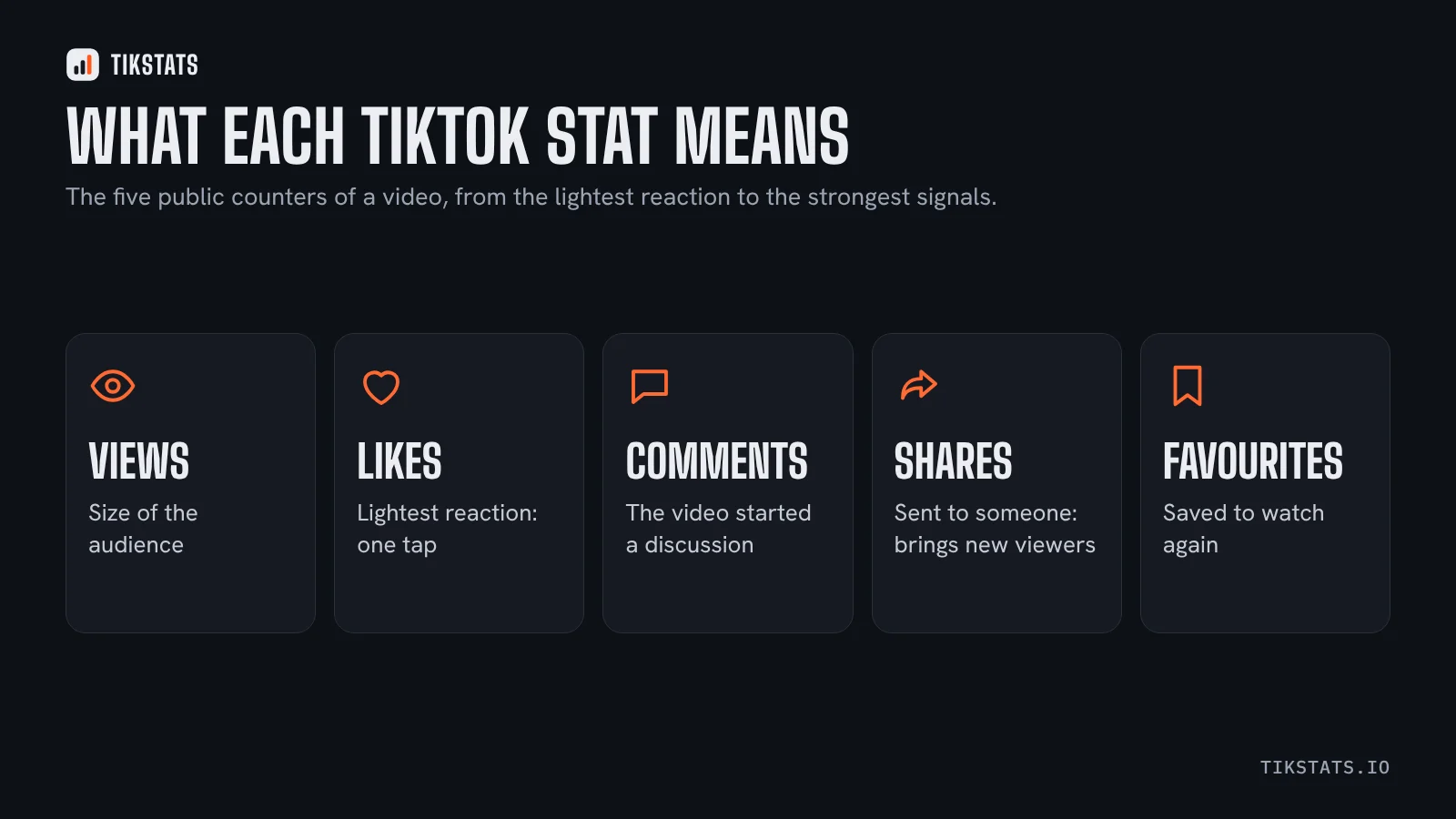 TikTok video stats explained: views, likes, shares and savesViews, likes, comments, shares, favourites, views per hour: what each public number means and what it cannot tell you.
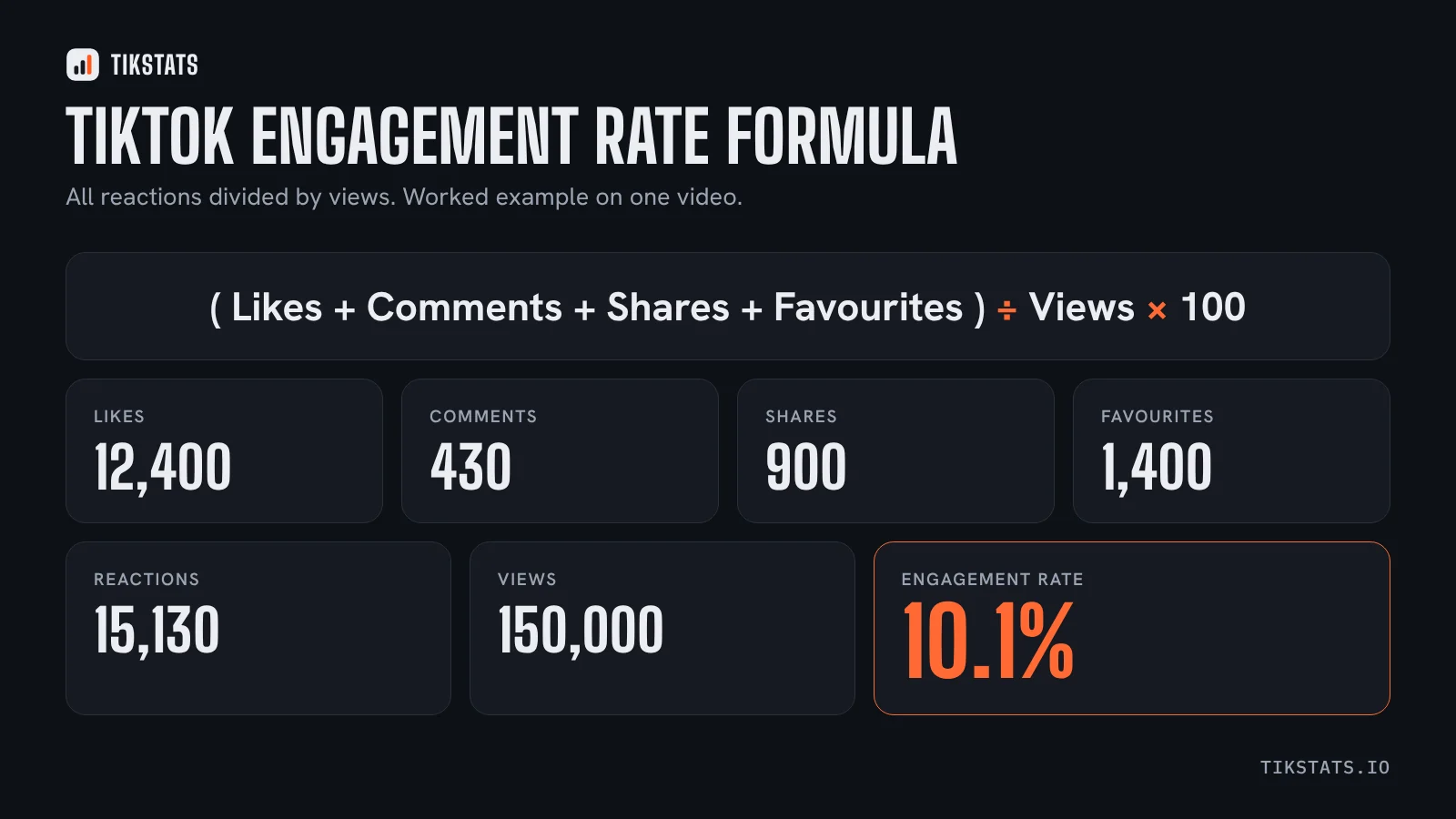 What is a good TikTok engagement rate in 2026?The formula, the benchmarks published in 2026 and a simple way to judge the engagement rate of any TikTok video.
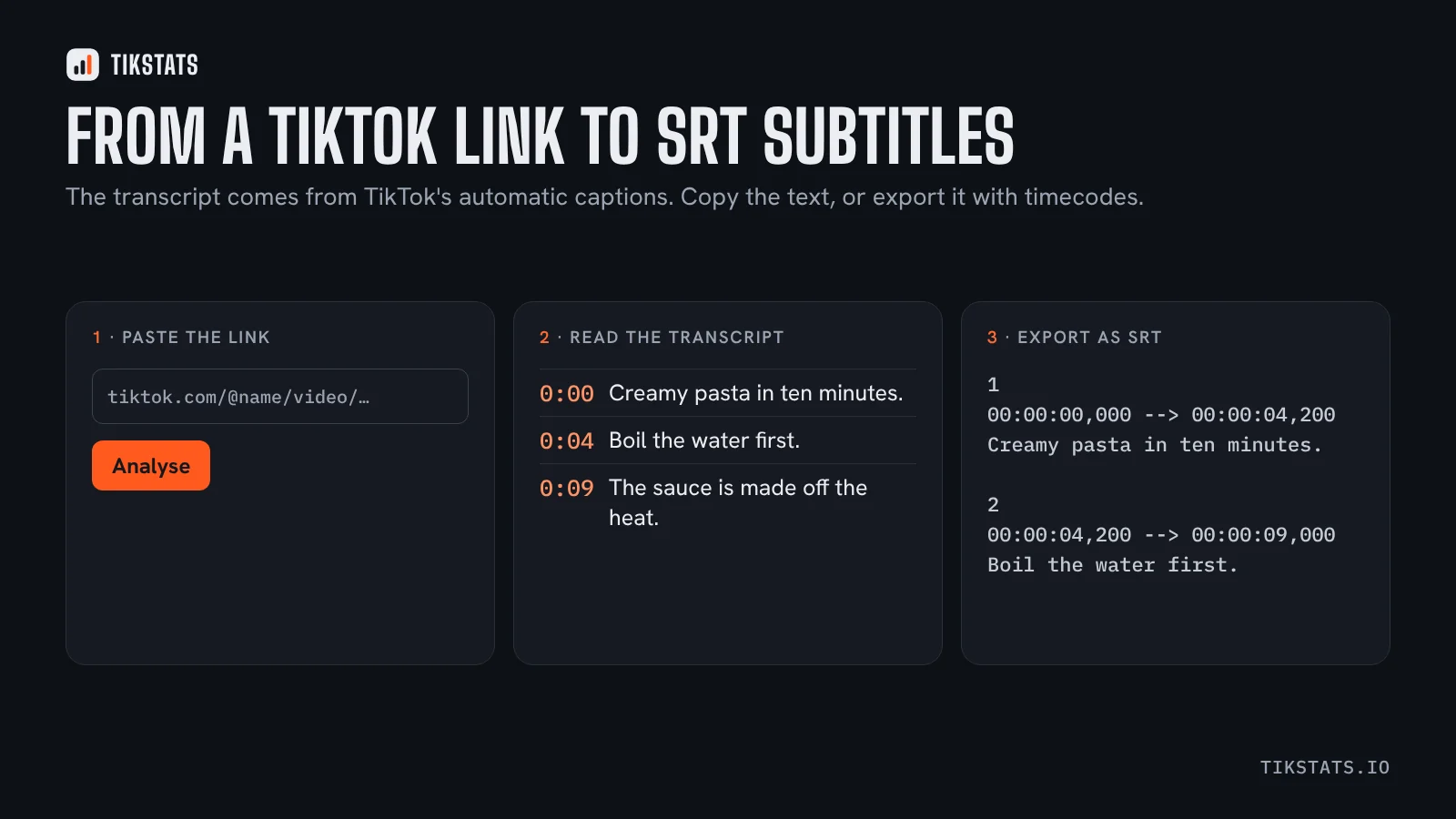 How to get the transcript of a TikTok video (text or SRT)Where a TikTok transcript comes from, how to copy it or export it as SRT subtitles, and why some videos have none.