TikTok engagement rate calculator
Paste a video link to get its engagement rate, with the detail of likes, comments, shares and saves. Free, no sign-up.
Video analysis
Preview with sample numbers. Paste a TikTok link to see its real data.
More than a downloader
Download sites stop at the file. TikStats adds the numbers that explain why a video works.
| Feature | Regular downloader | TikStats |
|---|---|---|
| Views, likes, comments, shares and saves in one place | ||
| Detailed engagement rate, reaction by reaction | ||
| Views per hour since posting | ||
| Copyable transcript and SRT export | ||
| Profile stats: followers, likes, videos | ||
| Creator tier, from nano to mega | ||
| Video download (TikStats: with the Chrome extension) |
The same stats, right on TikTok
With the Chrome extension, a panel appears at the bottom right of every video, carousel and profile, even in the For You feed. No more copying links.
- No login to your TikTok account, no password
- Your TikTok data stays in your browser
- No ads, no tracking
- Available in 16 languages
- Views
- 148,700
- Engagement
- 14.76%
- Velocity
- 27,327/h
- Creator
- Mid-tier
How the engagement rate is calculated
- Copy the video link from the Share button in TikTok.
- Paste it above and press Analyze.
- Read the overall rate and the rate of each reaction.
Engagement rate = (likes + comments + shares + saves) ÷ views. TikStats does the maths from the video's public counters. Above 10,000, TikTok rounds these counters, so the rate is a very close estimate.
Each rate is also shown on its own. A high share rate means people send the video to friends; a high save rate means they want to watch it again.
Frequently asked questions
What is a good engagement rate on TikTok?
It depends on the size of the account and its niche. Compare a video with the creator's other videos rather than with a universal figure: paste a profile link to see its averages.
Why divide by views instead of followers?
On TikTok, many views come from the For You feed, not from followers. Dividing by views measures how the people who actually saw the video reacted.
Can I work it out for a whole profile?
Paste a profile link to see its followers, total likes, number of videos and creator tier. The engagement rate is worked out video by video.
From the blog
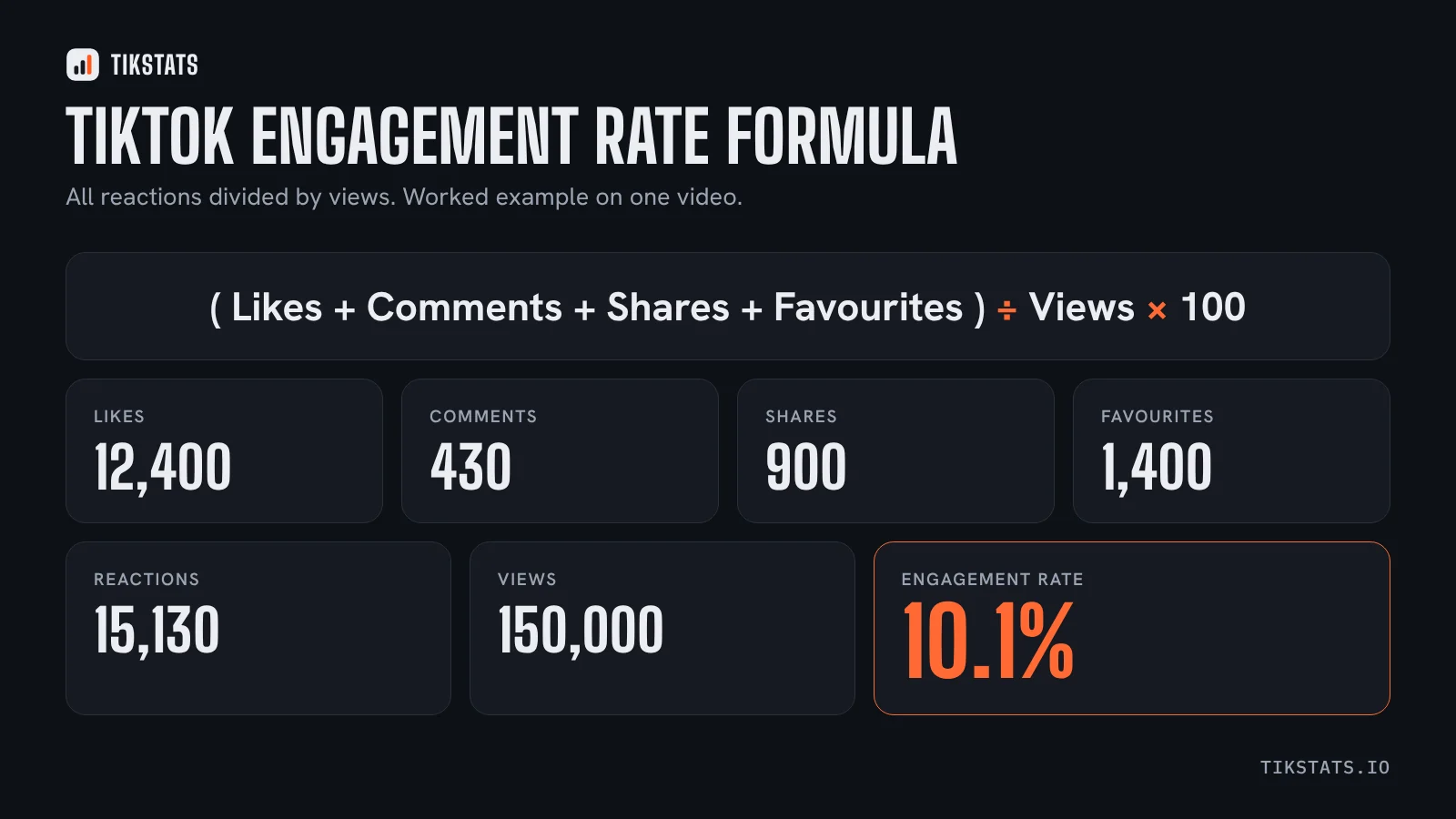 What is a good TikTok engagement rate in 2026?The formula, the benchmarks published in 2026 and a simple way to judge the engagement rate of any TikTok video.
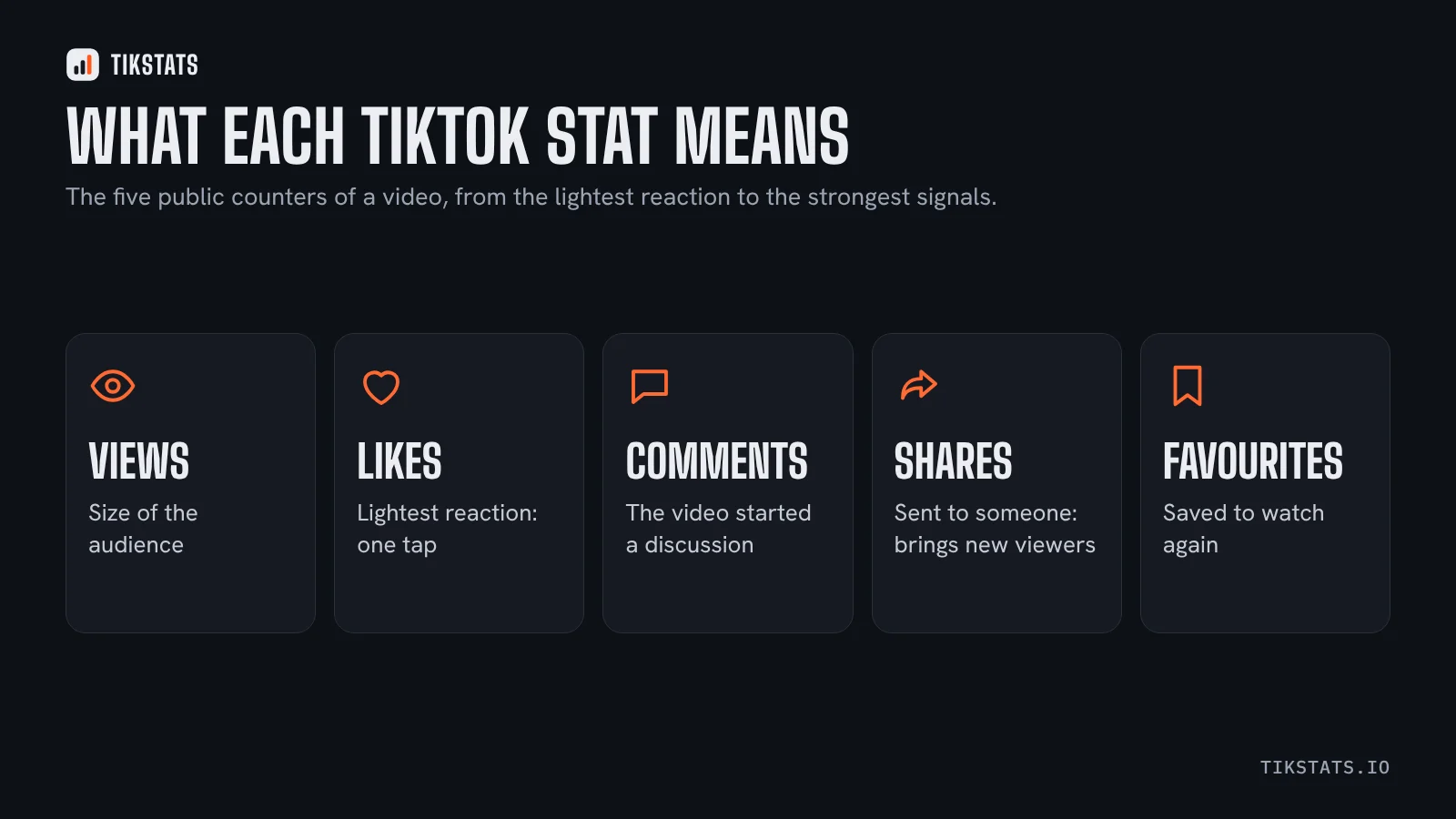 TikTok video stats explained: views, likes, shares and savesViews, likes, comments, shares, favourites, views per hour: what each public number means and what it cannot tell you.
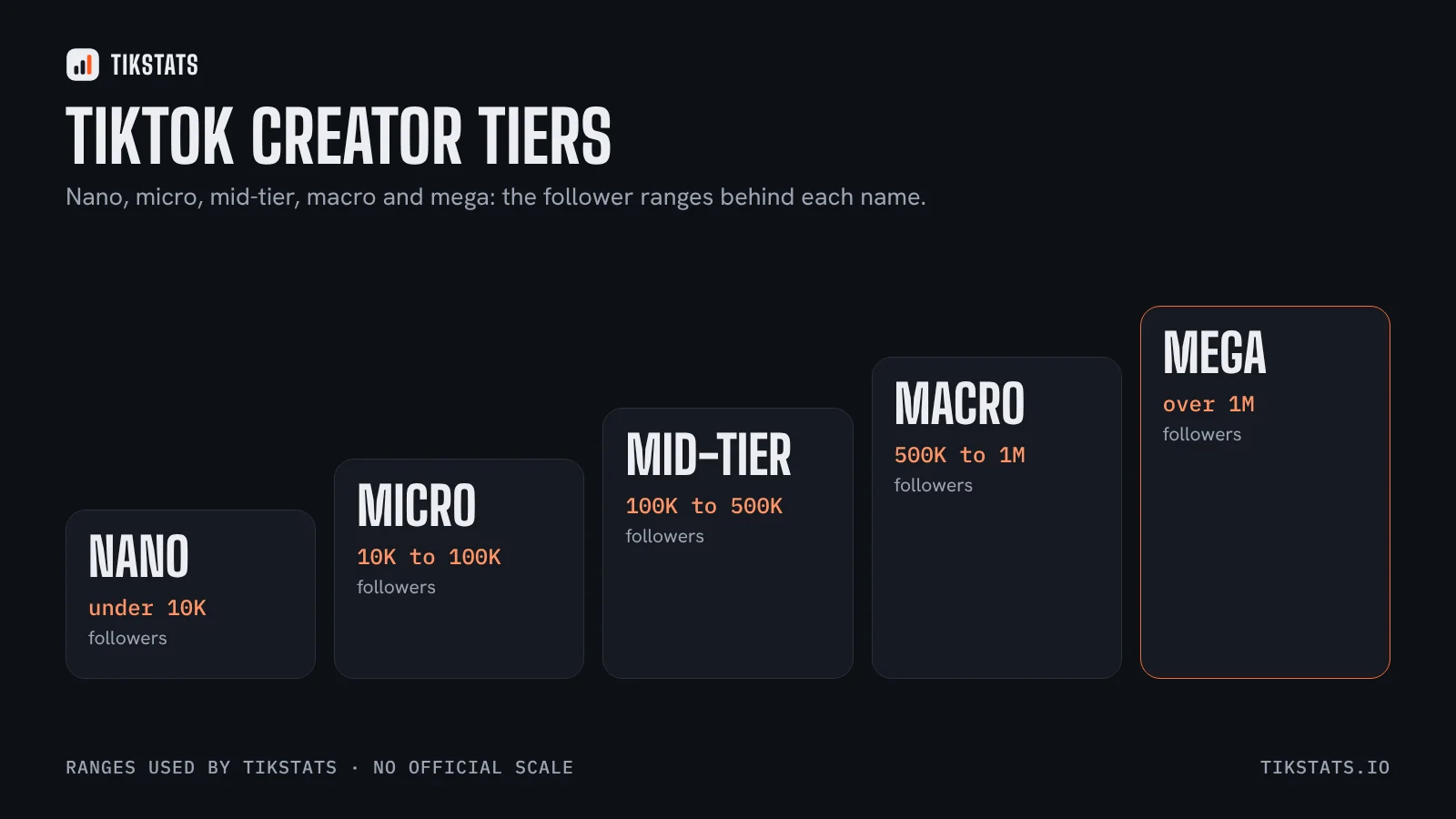 TikTok creator tiers: nano, micro, macro and mega explainedWhat the creator tiers mean, the follower ranges TikStats uses, and why follower count says less on TikTok than elsewhere.