The best TikTok Chrome extensions in 2026, by what they actually do
· 6 min read
A TikTok extension is only useful if it answers the question you actually have. These five answer different questions, and picking by feature list is how people end up with four of them installed.
They all read the same numbers
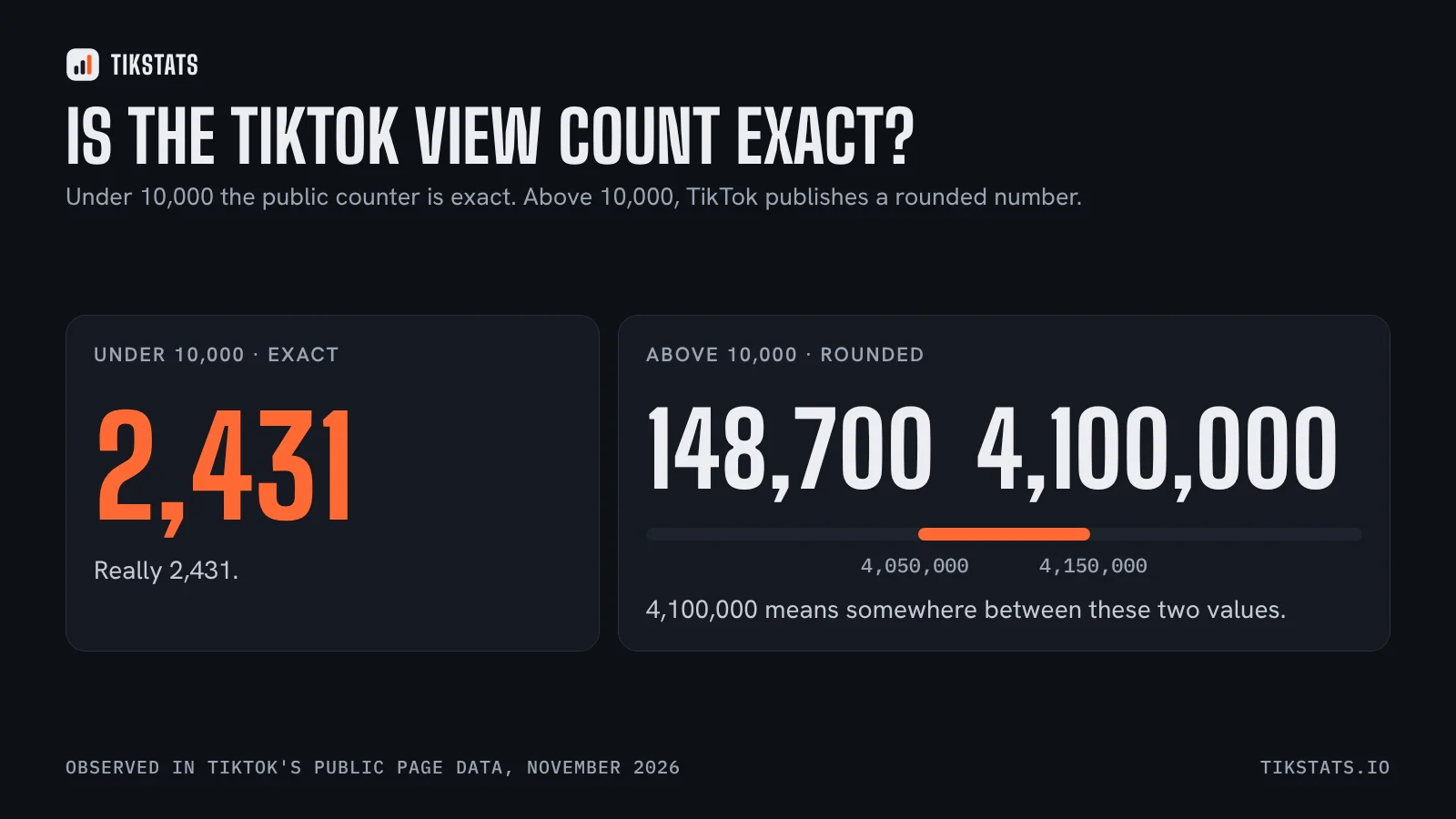
Before comparing anything, one thing has to be said: no extension has private access to TikTok. They all read the public data of the page you are on. That means none of them can be more accurate than another, and none of them can show watch time, completion rate or where your views came from. Only the account owner sees those, in TikTok Studio.
What separates these tools is not accuracy. It is which numbers they put in front of you, how fast, and what they let you take away.
Toklytics: the quick profile check
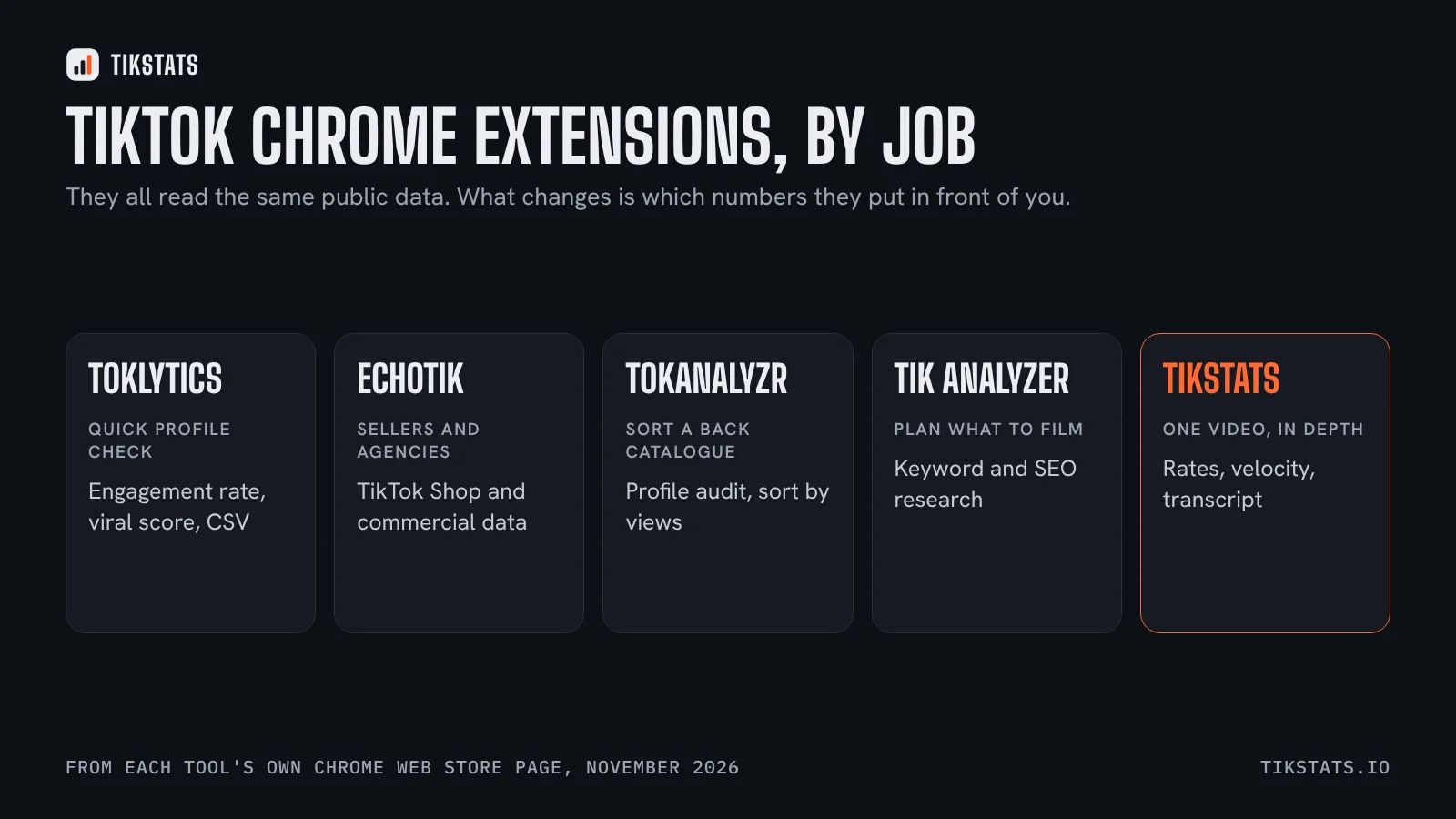
Toklytics describes itself as a free TikTok analytics extension showing engagement rates, viral scores and creator stats with CSV export, and no login required. It overlays the numbers on a creator's profile page.
Best for: scanning a creator you are thinking of working with, or sizing up a competitor in a few seconds.
Limit: it is built around the profile view. If your question is about one specific video, you will be reading numbers you did not ask for.
EchoTik: built for sellers and agencies
EchoTik presents itself as an analytics extension for TikTok influencers, sellers, agencies and brands. Its centre of gravity is TikTok Shop and commercial data rather than individual video performance.
Best for: anyone whose question involves products, sales or influencer selection.
Limit: heavier than a creator needs. If you are not selling, most of it is not for you.
TokAnalyzr: sorting and saving a whole profile
TokAnalyzr states that it audits profiles, sorts videos by most viewed, downloads without watermark and offers in-app purchases.
Best for: going through a creator's back catalogue to find their best-performing videos.
Limit: it is a profile tool with downloads attached rather than an analysis tool. And as with any download feature, the video still belongs to its creator.
Tik Analyzer: keywords rather than performance
Tik Analyzer is a free keyword research and analytics extension aimed at finding trending keywords and SEO data on TikTok.
Best for: planning what to make, rather than measuring what you made.
Limit: it answers a question that comes before the numbers, so it does not replace an analytics panel.
TikStats: one video, in depth, including what was said
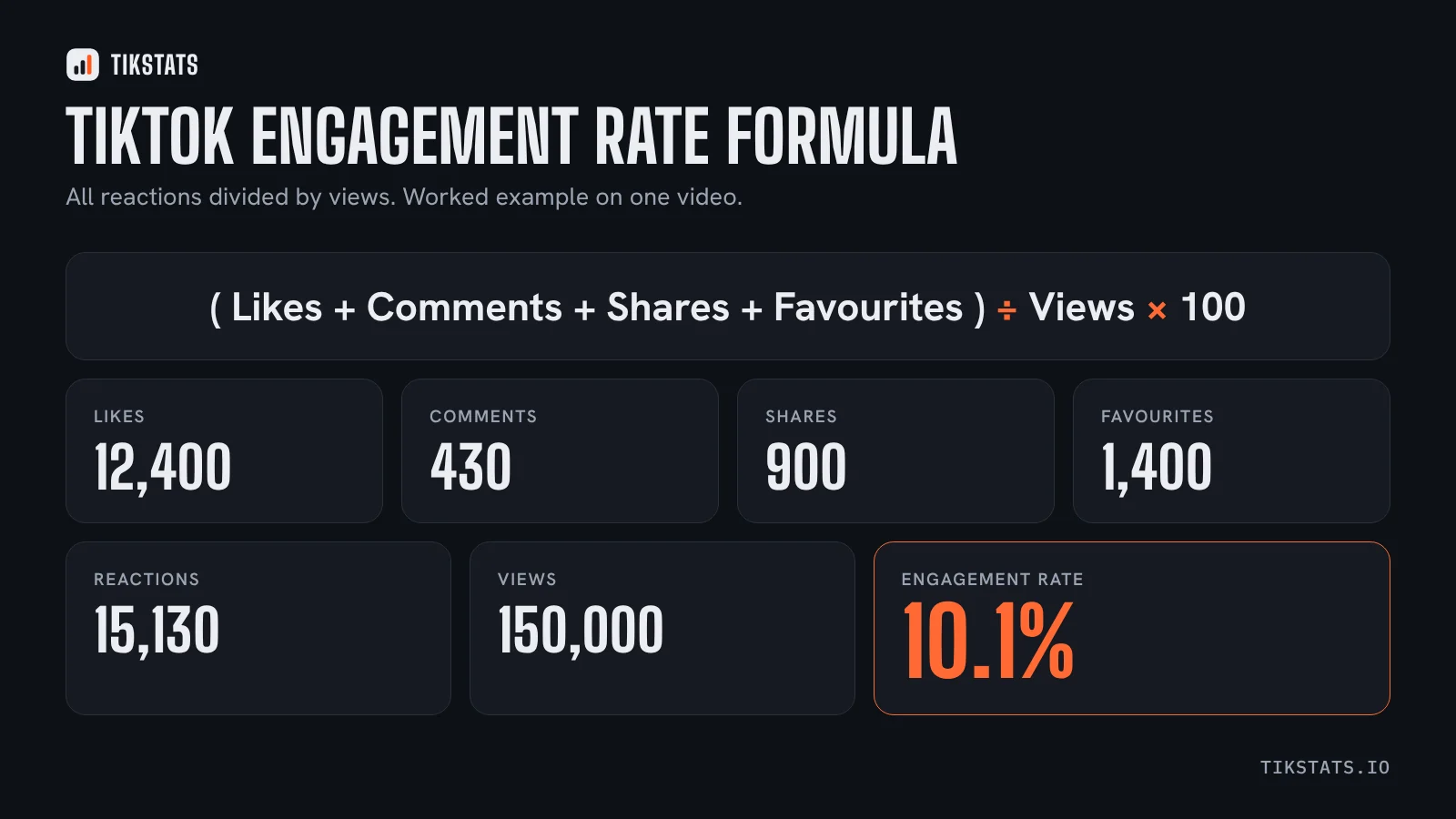
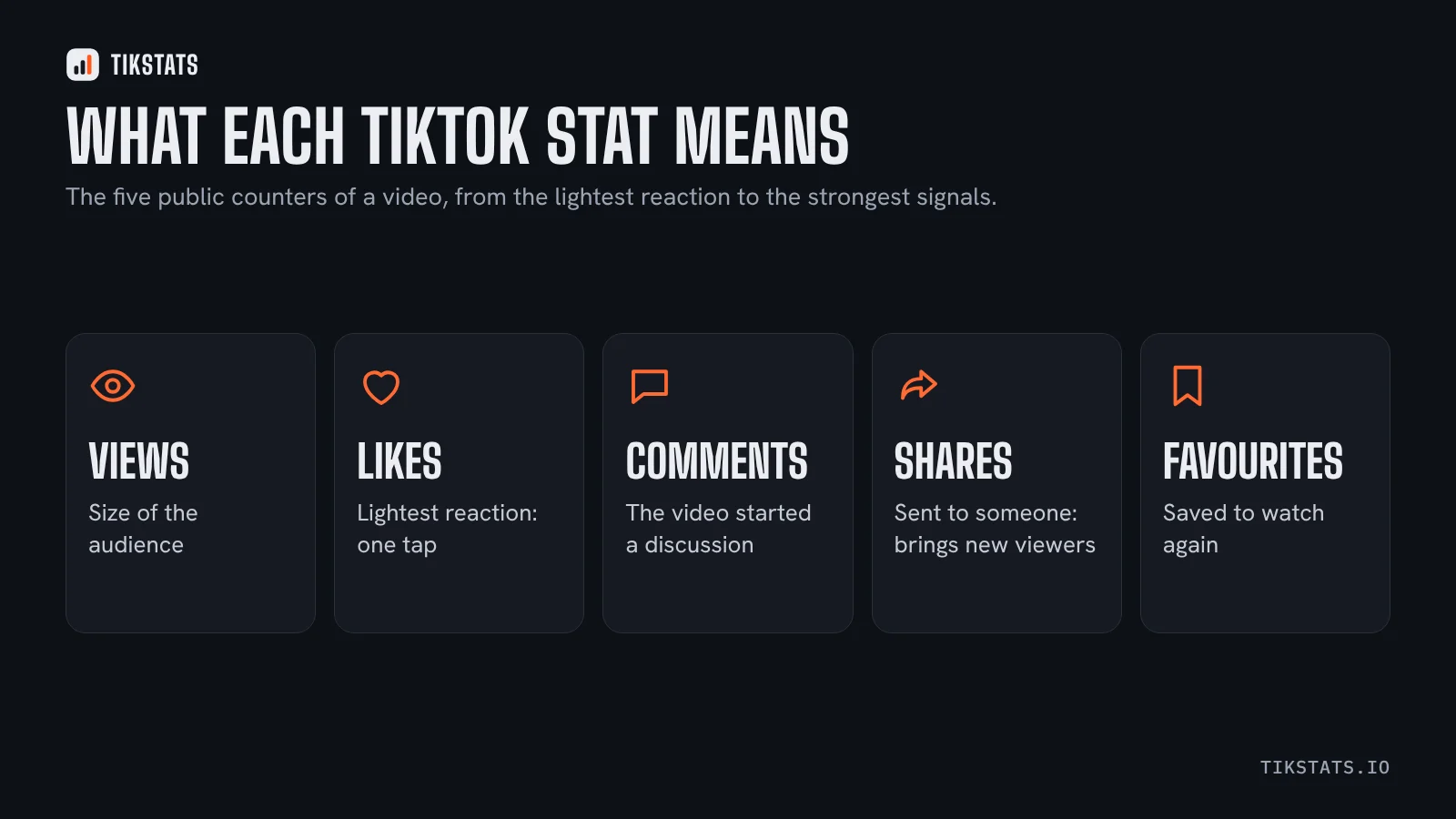
TikStats puts a panel on every video, carousel and profile, including in the For You feed. It shows the five public counters, the engagement rate broken down reaction by reaction, views per hour since posting, and the transcript of what is said in the video with SRT export. The site does the same thing from a pasted link, without installing anything.
Best for: understanding why one video worked, and reusing what was said in it.
Limit: it is video-first. For sorting an entire back catalogue by view count, a profile-focused extension is quicker.
The free edition covers the counters, the overall engagement and the transcript preview. The Pro edition adds the detailed rates, profile analysis, the full transcript and the exports, with a 7-day trial. You can try everything from the home page first, or go straight to the Chrome extension.
Which one to install
- You want to vet a creator fast: Toklytics.
- You sell on TikTok Shop: EchoTik.
- You want a creator's best videos sorted and saved: TokAnalyzr.
- You are choosing what to film next: Tik Analyzer.
- You want to understand one video, and get its text: TikStats.
- You want your own account's watch time and traffic sources: none of them. TikTok Studio.
For a wider comparison that includes websites rather than extensions, see this one. And if you are not sure what the numbers mean once they are on screen, this guide goes through each counter.
See what the TikStats panel shows
Frequently asked questions
What is the best free TikTok Chrome extension?
It depends on the job. Toklytics is quick for checking a profile, Tik Analyzer is for keyword research, and TikStats covers one video in depth including its transcript.
Can a TikTok extension show private data?
No. Every extension reads the same public page data. Watch time, completion rate and traffic sources are only visible to the account owner in TikTok Studio.
Do these extensions need my TikTok password?
The extensions compared here state that no login is required, and TikStats never asks for one.