TikTok photo carousels: how they behave differently from videos
· 4 min read
A photo carousel is not a slower video. People move through it at their own pace, which changes what the numbers mean and which reactions you should expect.
What changes
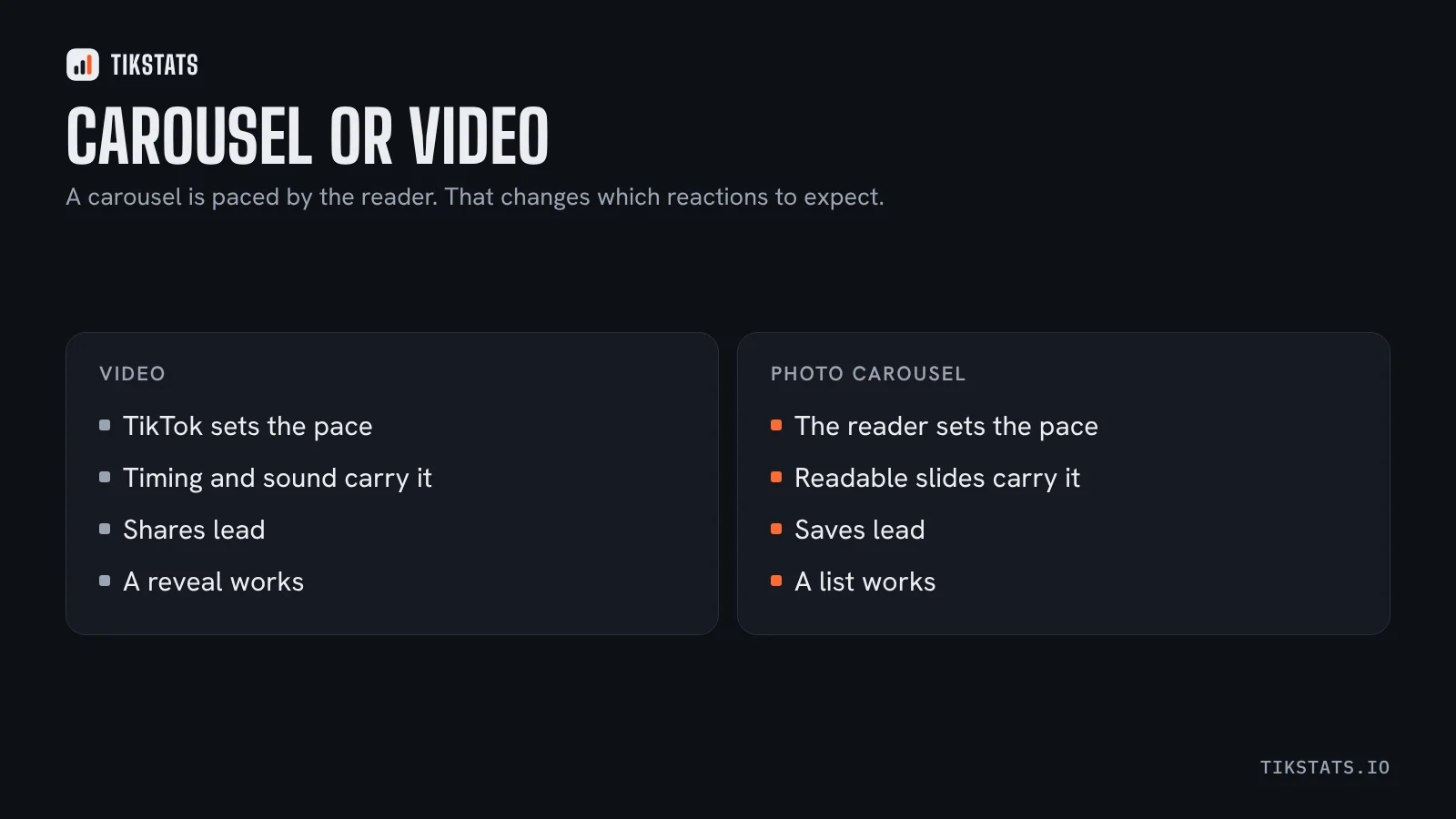
In a video, TikTok controls the pace and you control the edit. In a carousel, the viewer taps through. Nobody is pushed past a slide they want to read, and nobody waits for the next one.
That shifts the reactions. Carousels tend to collect saves, because a list of slides is something people come back to. They tend to collect fewer shares than a strong video, because sending a carousel to a friend is less immediate than sending a clip.
When the format is worth it
- A list where each item deserves its own moment.
- A before and after, or a comparison of two things side by side.
- Anything the viewer will want to screenshot.
- A subject where good photography does more than motion.
When not to use it: anything that depends on timing, sound or a reveal. A punchline does not survive being tapped through.
Writing slides that get read
First slide: the whole promise, in one line, readable at a glance. It has the same job as the first two seconds of a video.
Middle slides: one idea each, with the text large enough to read without zooming. A slide that needs effort is a slide where people leave.
Last slide: the thing worth saving. If the carousel is a list, repeat the full list on the final slide so one screenshot captures everything.
Reading the numbers
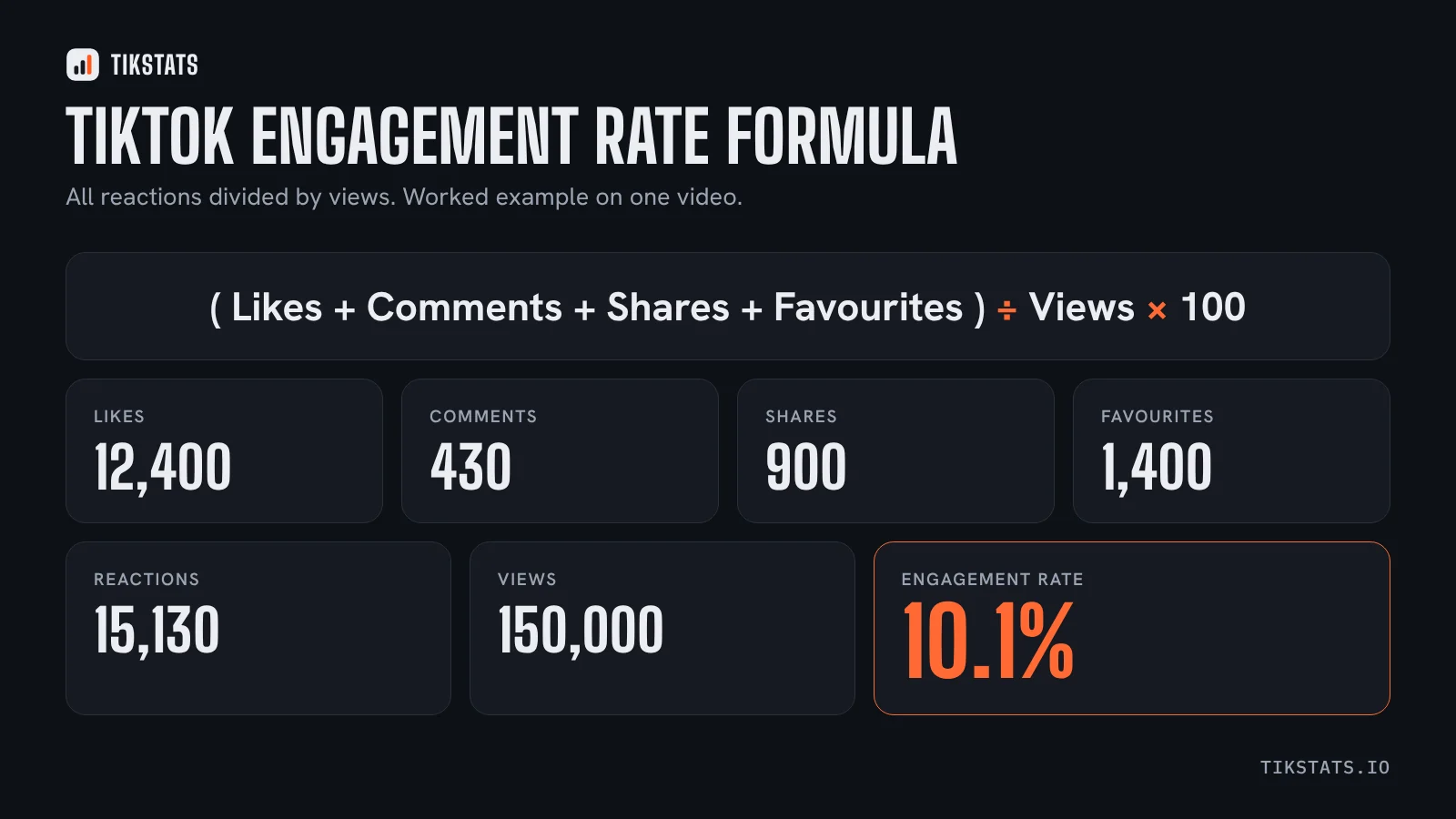
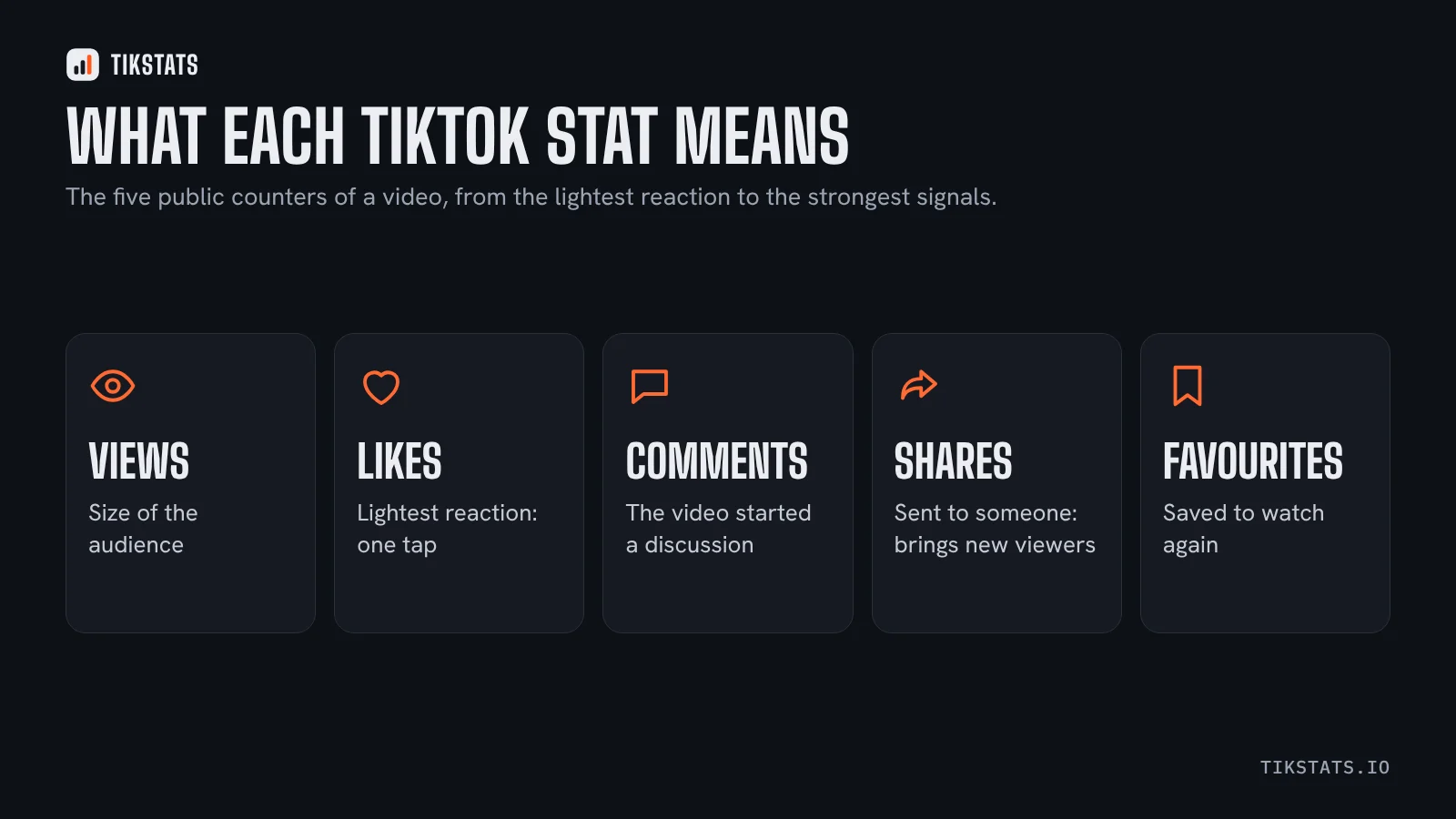
The public counters are the same five as for a video, so the analysis works the same way: reactions as a share of views. What differs is which reaction you should expect to lead. A carousel with a high save rate and modest shares is doing its job.
TikStats handles carousels as well as videos: paste the link on the home page and you get the counters, the engagement rate and the number of photos, and the Chrome extension shows the same panel on the carousel itself.
For what each reaction means and which lever moves it, this guide goes through them one at a time.
Frequently asked questions
Are TikTok carousels better than videos?
They are different. Carousels are paced by the reader and tend to collect saves; videos are paced by TikTok and tend to collect shares.
What should the first slide of a carousel say?
The whole promise, in one line, readable at a glance. It does the job the first two seconds of a video does.
Can I analyse a carousel like a video?
Yes. The same five public counters apply, so the engagement rate is worked out the same way.