Repurpose a TikTok for YouTube Shorts and Reels without retyping anything
· 5 min read
Reposting the same file on three platforms is the least effective way to repurpose a video. The text of the video is what travels well, and it is already written.
Start with the text, not the file
A video that worked on TikTok worked because of what it said and how fast it said it. That part is portable. The file itself often is not: a watermark, a vertical caption burned into the frame, or a hook aimed at a TikTok audience all work against you elsewhere.
Get the transcript first, from the transcript page or the Chrome extension. Everything below is built on that text.
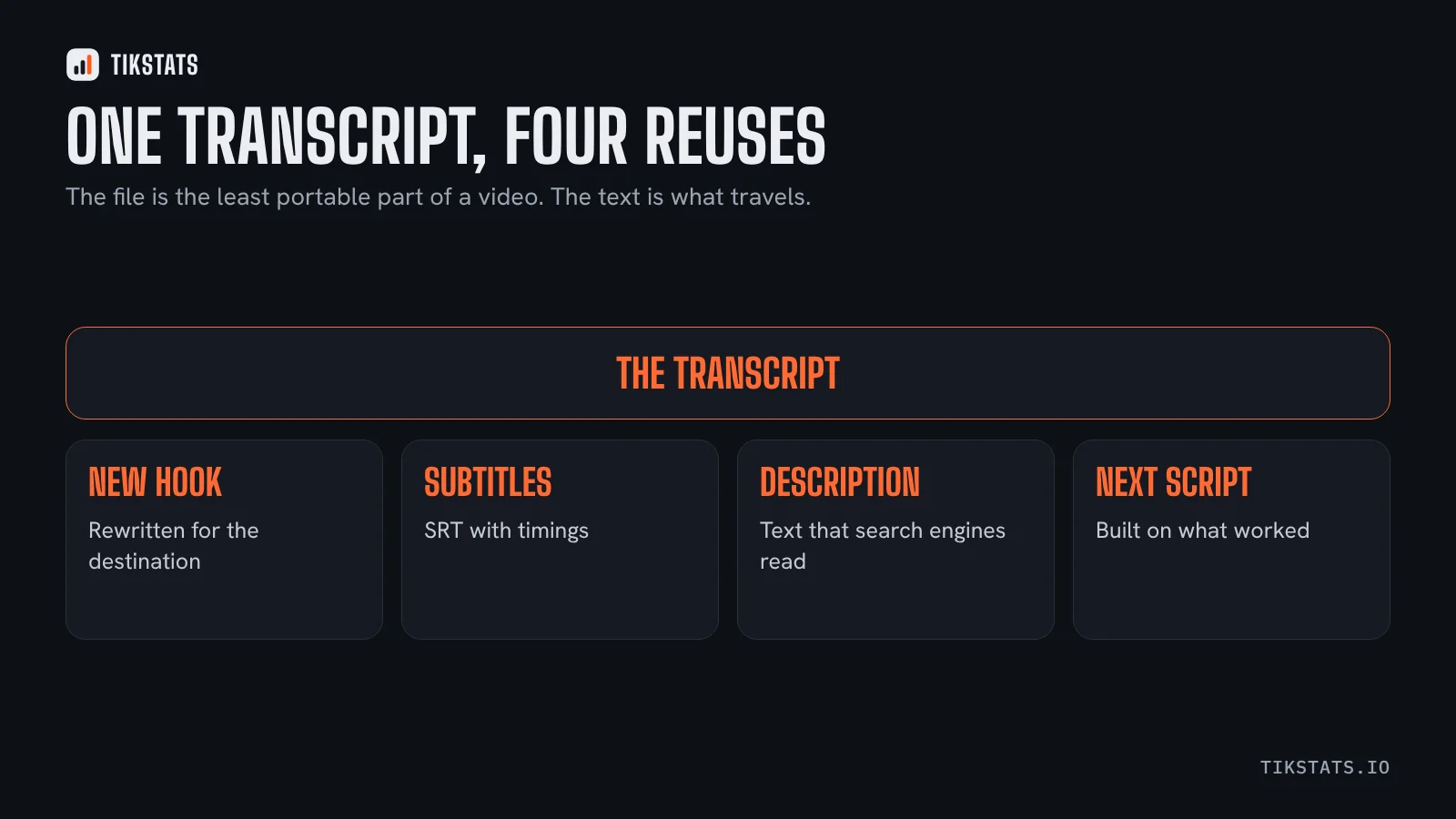
Four things the transcript gives you
- A new hook. The first line that worked on TikTok often needs to be slower on YouTube Shorts, where viewers arrive from search as well as from a feed.
- Subtitles for the repost, as an SRT, with the timing already in place. This article covers the import.
- A written description. YouTube indexes text, TikTok barely does. Two sentences built from the transcript do more for a Short than a row of hashtags.
- The raw material for the next script, which is the reuse most people forget.
Adapt the hook, keep the body
The body of a good short video rarely needs changing. The opening almost always does.
On TikTok the viewer is mid-scroll and has to be stopped. On YouTube Shorts a share of viewers arrived because they searched for something, so an opening that names the subject plainly beats one built to interrupt. On Reels the audience skews towards people who already follow something similar.
If you want to know which openings actually work before rewriting one, this article explains how to collect them from transcripts and rank them by views per hour.
Check whether it worked, with the same measure
Comparing a TikTok with a Short by final view count tells you almost nothing, because the two platforms distribute over different timescales. Views per hour in the first day is the comparable number.
For the TikTok side, TikStats shows it for any public video from the home page. For the Short, YouTube Studio gives you the equivalent.
One warning worth repeating: if you are reposting someone else's video rather than your own, the video belongs to its creator. Ask first, and credit them.
Frequently asked questions
How do I repurpose a TikTok for YouTube Shorts?
Start from the transcript rather than the file: rewrite the hook for a search-driven audience, export subtitles as SRT, and write a real description.
Should I repost the same TikTok file on Shorts?
A file with a watermark or burned-in captions works against you. The text of the video travels better than the file.
How do I compare a TikTok with a Short?
By views per hour in the first day. Final view counts are not comparable between platforms.