What no TikTok tool can see (and why TikTok Studio still wins for your own account)
· 5 min read
Every outside tool, free or paid, reads the same public page you do. Knowing exactly where that data stops saves you from paying for a dashboard that cannot answer your question.
The line between the two
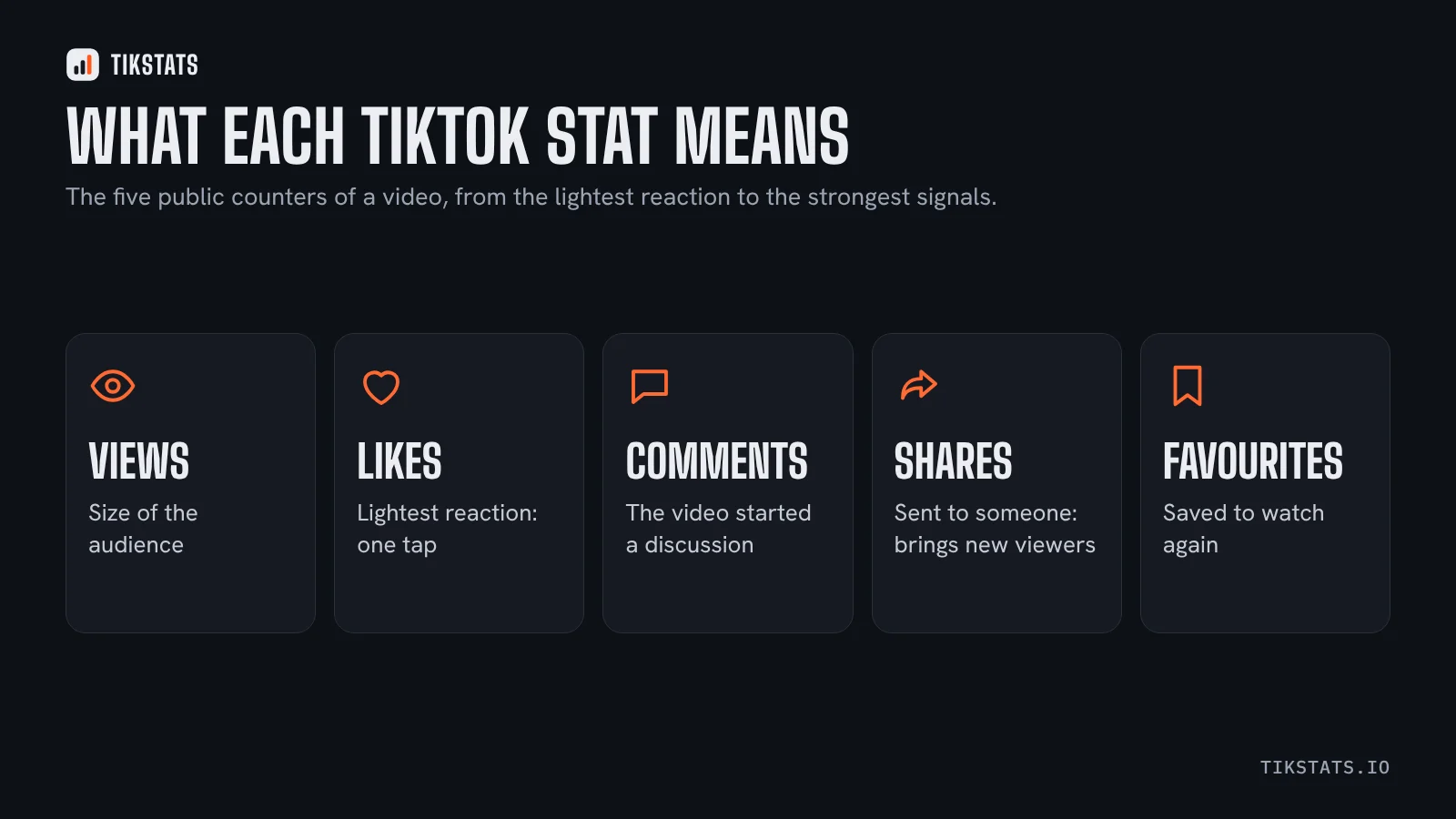
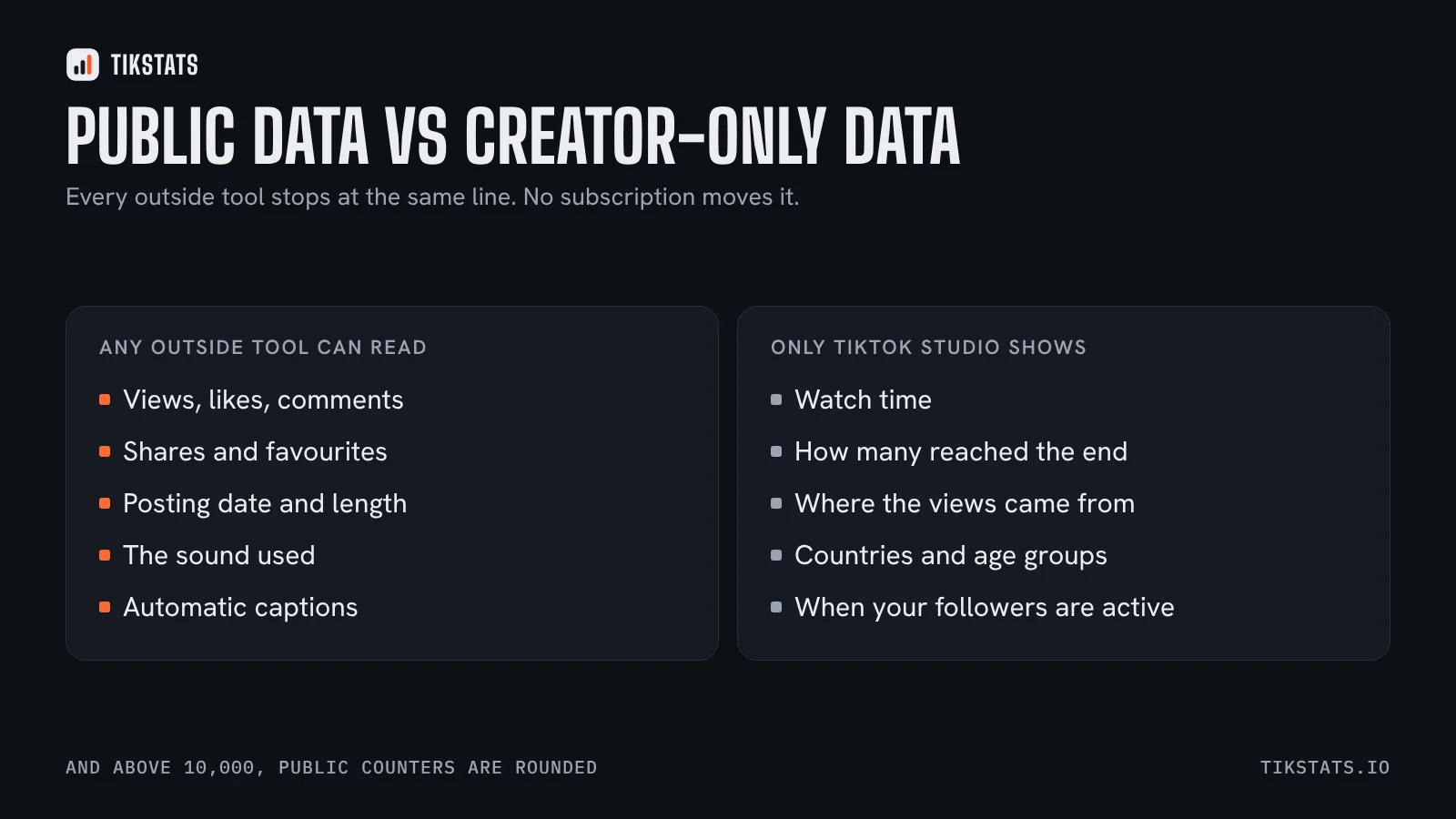
Public data is what anyone can read on a video or a profile: views, likes, comments, shares, favourites, posting date, length, the sound used, and the automatic captions when they exist. Every extension and every analytics website works from that.
Creator-only data lives in TikTok Studio and never leaves it: watch time, how many viewers reached the end, where the views came from, the countries and age groups of your audience, and the hours when your followers are active.
What this rules out
If a tool claims to show the completion rate of someone else's video, or where their views came from, it is estimating. An estimate can be useful, but it is not the same thing as a measurement, and it should be labelled as such.
It also means price is not a proxy for accuracy. A paid platform aimed at brands and agencies reads the same counters as a free extension. What you pay for is historical tracking, alerts, reports and the ability to follow many accounts at once, not better numbers.
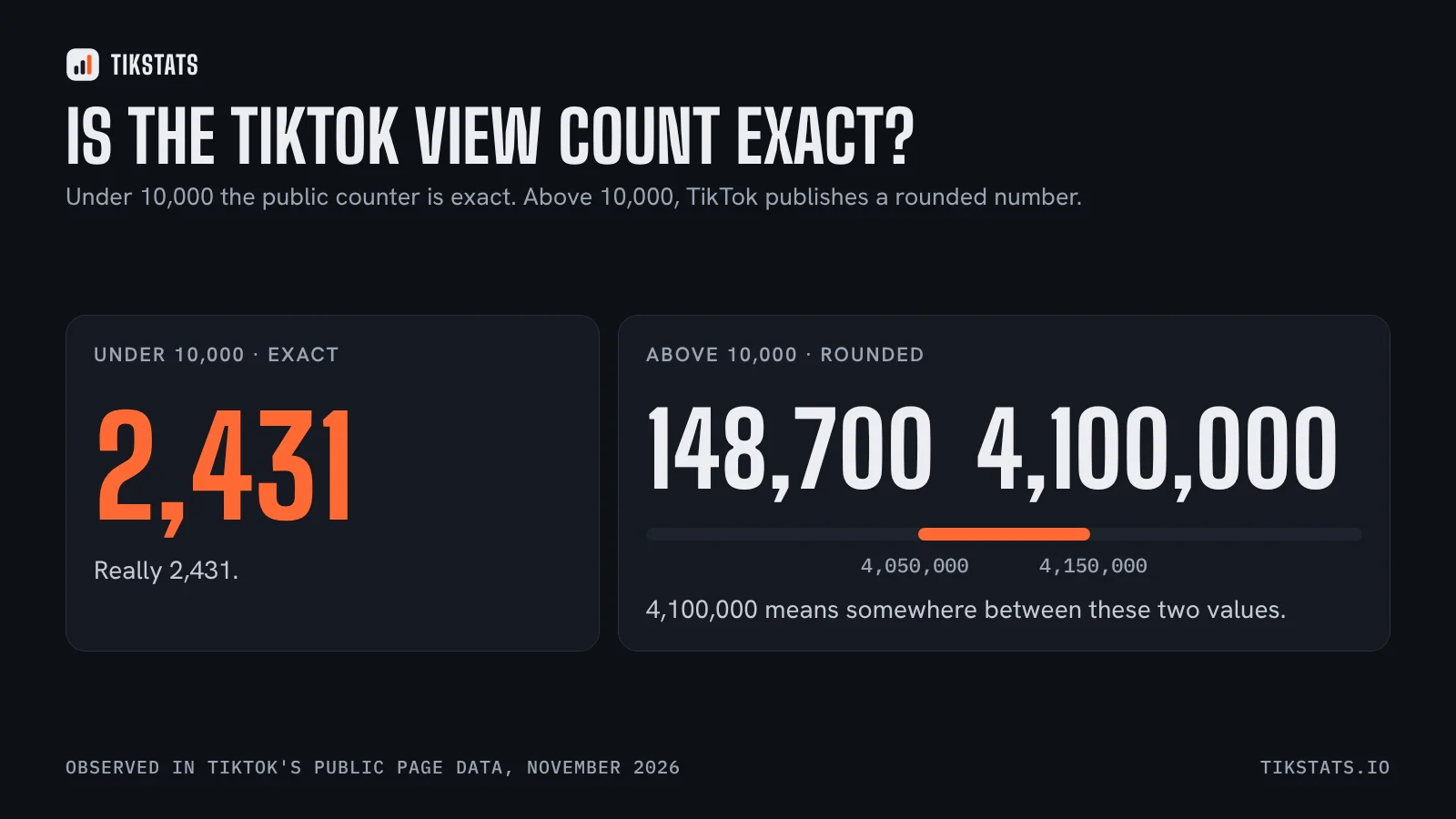
One more limit applies to everyone: above 10,000, TikTok rounds its public counters. A video shown as 4.1M could be anywhere in a 100,000-wide band. This article explains where that comes from.
Use TikTok Studio for your own account
For your own videos, nothing beats it, and it is free. Watch time and completion rate tell you whether people stayed, which is the question that matters most on a platform that decides what to show next based on exactly that.
The Followers tab is also the only honest answer to the posting-time question, which this article covers in detail: two large 2026 studies disagree, and your own follower activity settles it.
Use an outside tool for everything else
TikTok Studio only covers your account. The moment you want to look at someone else's video, a competitor's profile, or a creator before working with them, you need public data, and that is where outside tools earn their place.
What TikStats adds on that side is the detail: the engagement rate split reaction by reaction, views per hour since posting, and the transcript of what is actually said in the video. Paste any public link on the home page, or put the panel on TikTok itself with the Chrome extension.
If you are comparing tools before choosing one, this comparison goes through the main Chrome extensions by the job each one does.
Read the public numbers of a video
Frequently asked questions
Can third-party tools see TikTok watch time?
No. Watch time, completion rate, traffic sources and audience demographics stay inside TikTok Studio and are only visible to the account owner.
Are paid TikTok analytics tools more accurate?
No. They read the same public counters as free tools. What you pay for is history, alerts, reports and tracking many accounts, not better numbers.
What can an outside tool see?
Views, likes, comments, shares, favourites, posting date, video length, the sound used, and the automatic captions when they exist.