Export a TikTok profile to CSV and actually use it
· 5 min read
A spreadsheet of your videos is not analysis. It becomes analysis when you add the columns the export does not contain.
What an export gives you
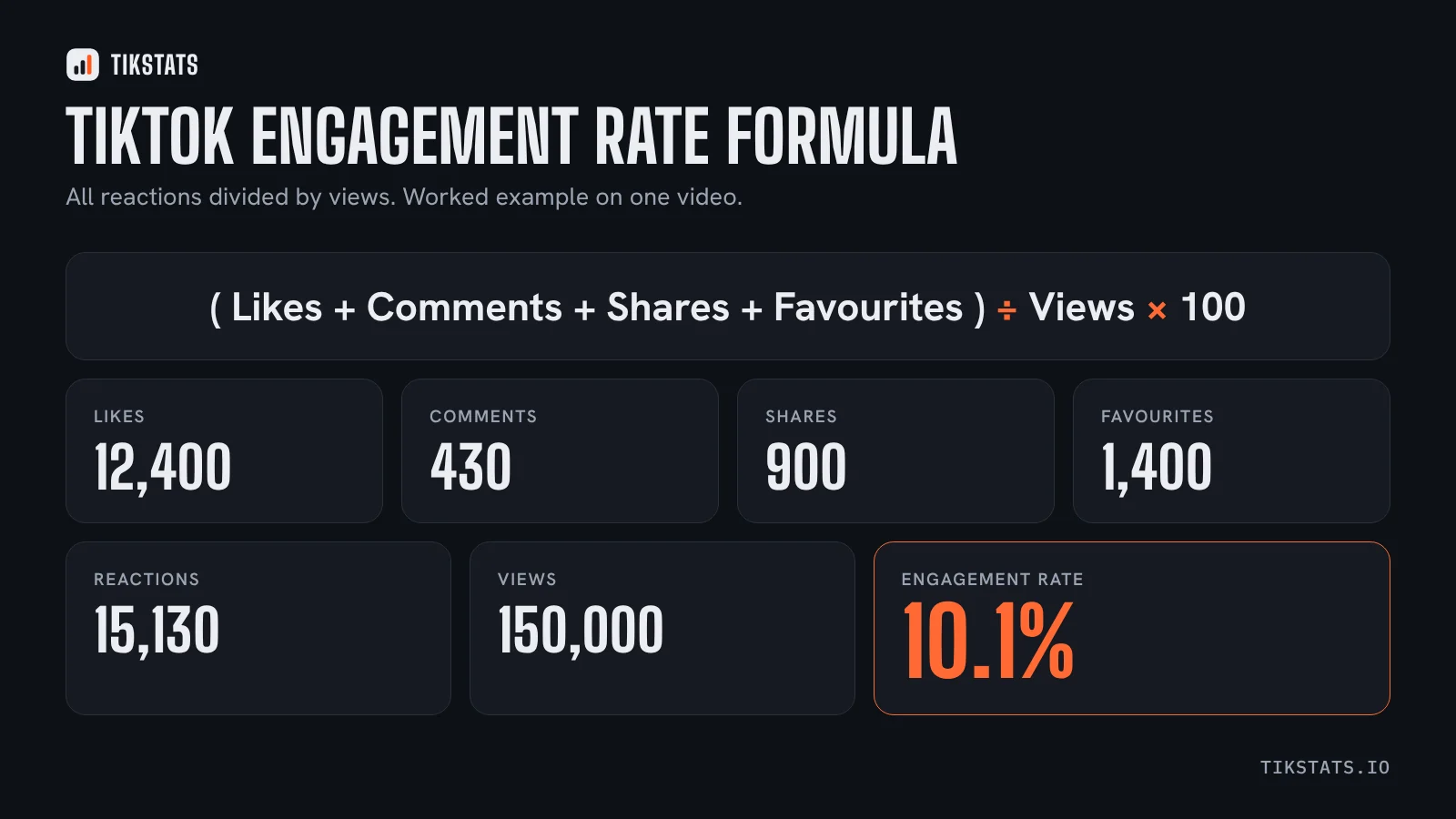
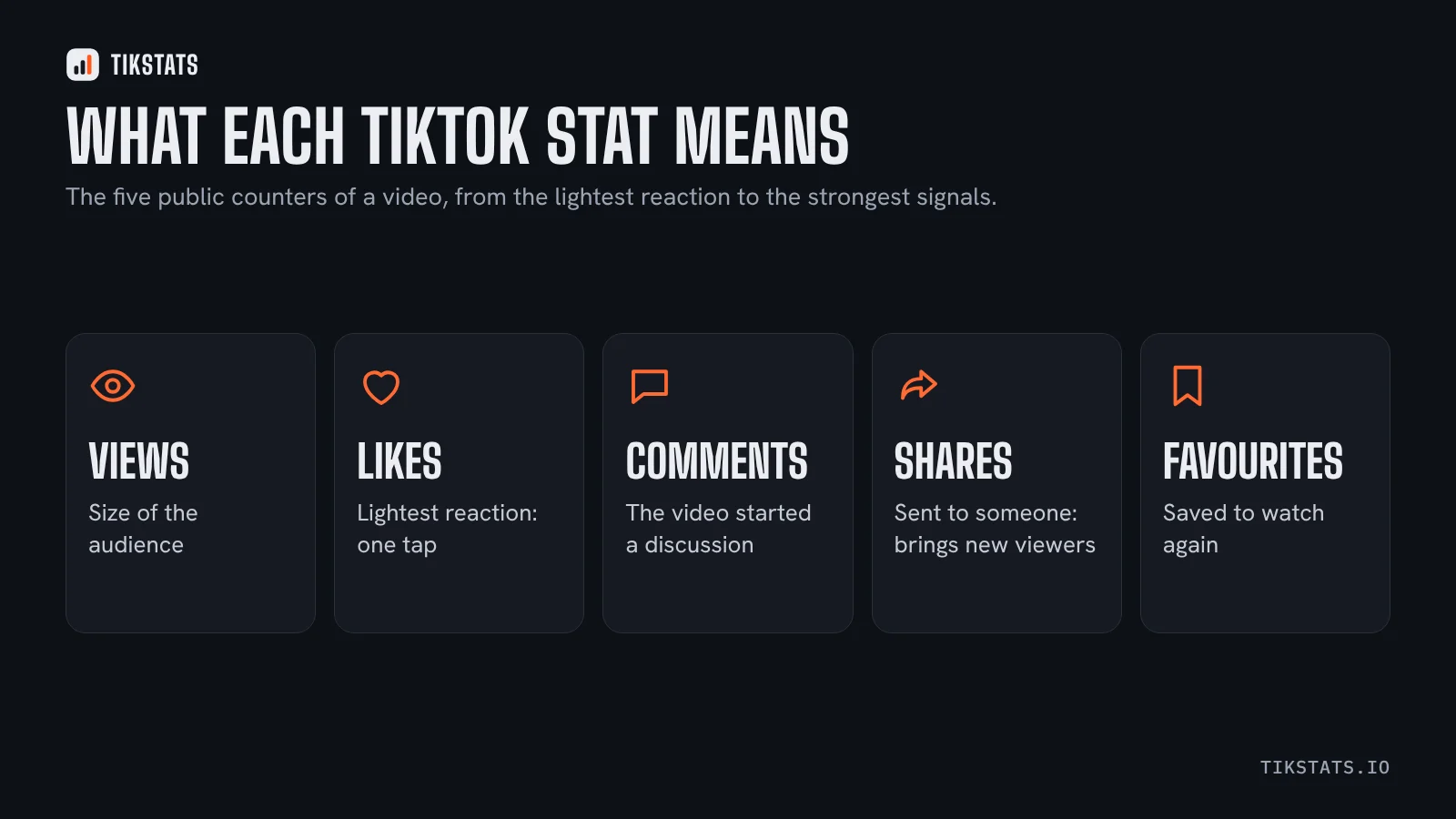
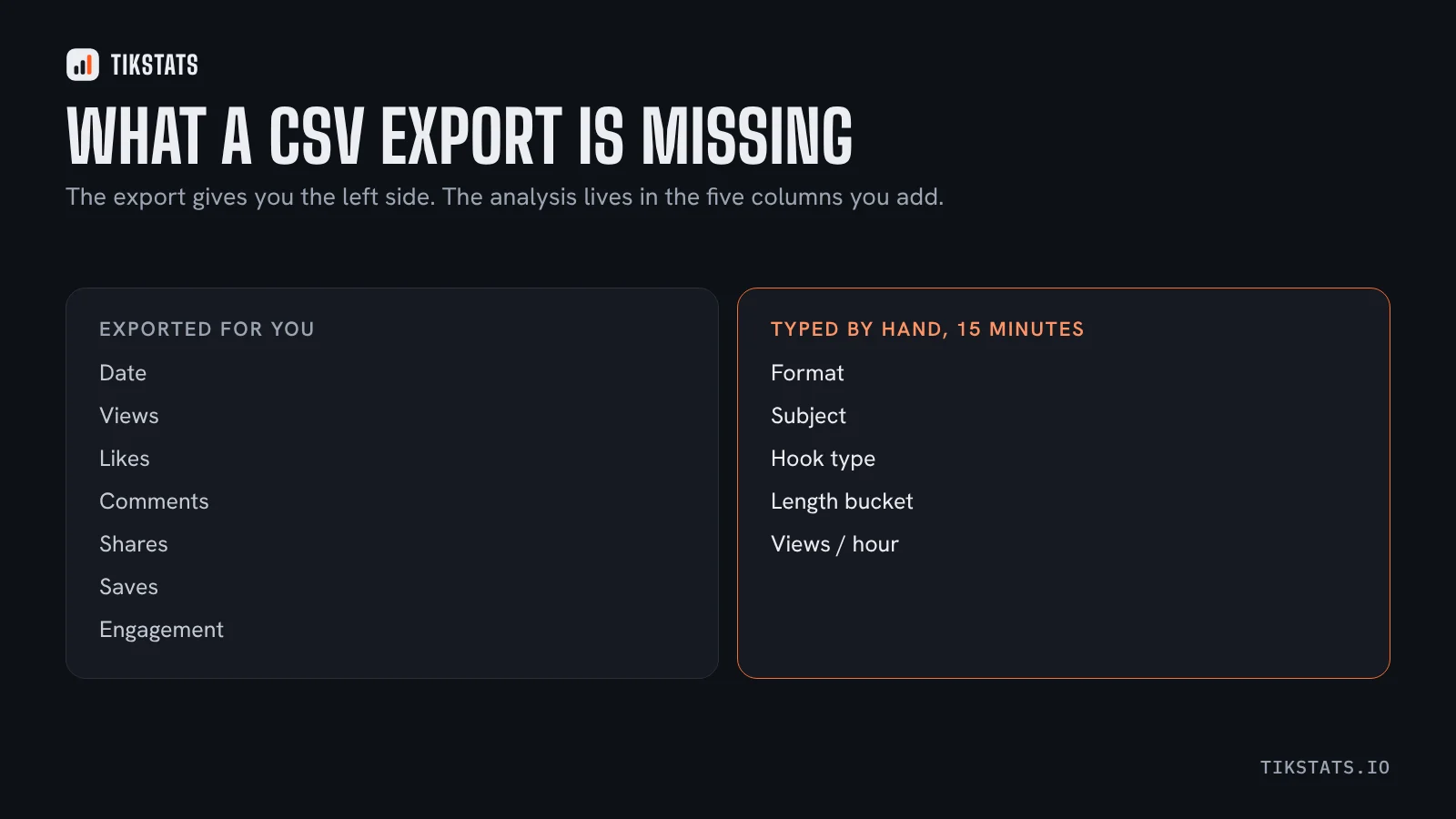
A row per video with the public data: date, views, likes, comments, shares, favourites, and usually the engagement rate already worked out. TikStats Pro exports that for a whole profile; for one video at a time, the engagement calculator shows the same figures.
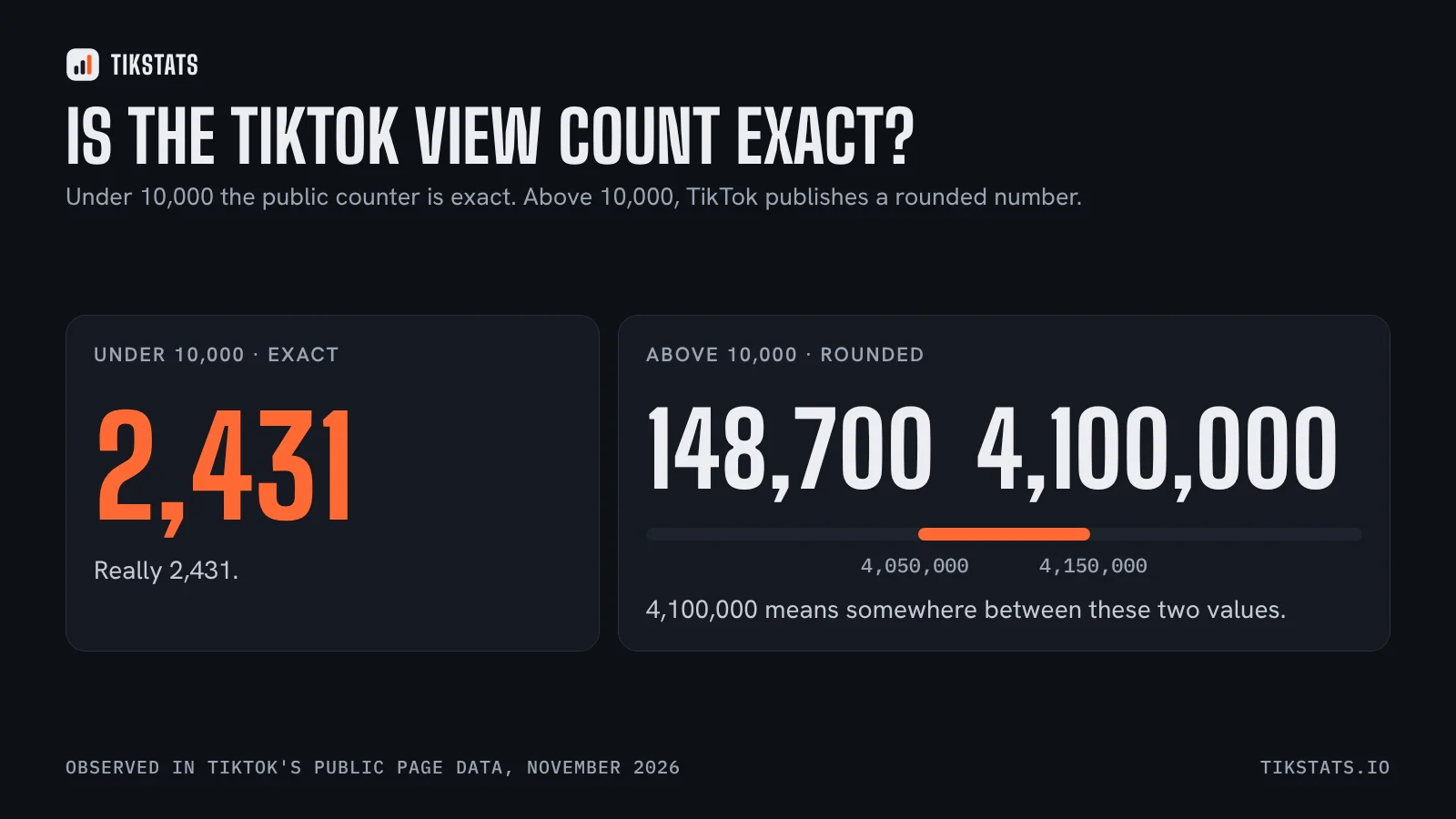
What no export contains, because it is not public: watch time, completion, traffic sources. Why that line exists.
The five columns to add by hand
- Format: video, carousel, or series part. One word.
- Subject: three words maximum, and reuse the same words across rows so you can group them.
- Hook type: the shape of the opening line, from this list.
- Length bucket: under 30s, 30 to 60s, over a minute. Why the minute matters.
- Views per hour in the first day, if you recorded it.
Fifteen minutes of typing for twenty rows. Everything useful comes out of these five, not out of the exported ones.
Three questions a sorted table answers
- Group by subject and compare median engagement. Which of your topics earns reactions, rather than which gets views.
- Group by hook type and compare median views per hour. Which openings actually get the video distributed.
- Group by length bucket and compare both. This is where most people discover their long videos were never worth it, or that their short ones never go deep enough.
Medians again, not averages. One outlier ruins an average and leaves a median alone.
Doing the same for a competitor
The same export works on any public profile, which makes a side-by-side possible: their median engagement against yours, on the same subjects.
That comparison is the backbone of this monthly routine, and it is far more honest than comparing follower counts.
Keep the file, not the screenshot
The point of a CSV is that next month's export can sit next to this one. A screenshot cannot.
One file per month, in one folder, with the date in the name. In six months you will have the only dataset about your account that nobody else has, including TikTok's own interface, which does not let you compare arbitrary periods easily.
For the vocabulary of every column, this glossary defines each number and says who can see it.
Export a profile with the extension
Frequently asked questions
Can I export TikTok videos to a spreadsheet?
Yes, the public data of a profile can be exported as CSV: date, views, likes, comments, shares, favourites and the engagement rate.
What is missing from a CSV export?
Watch time, completion rate and traffic sources, because they are not public.
What should I add to the export?
Format, subject, hook type, length bucket and views per hour. The analysis comes from those, not from the exported columns.